
Price
Free
Play in your browser. No account or checkout.
Viewers send gifts to bomb your lines or bury you in junk. Play a bright falling-block line puzzle while your chat changes the well through TikFinity.
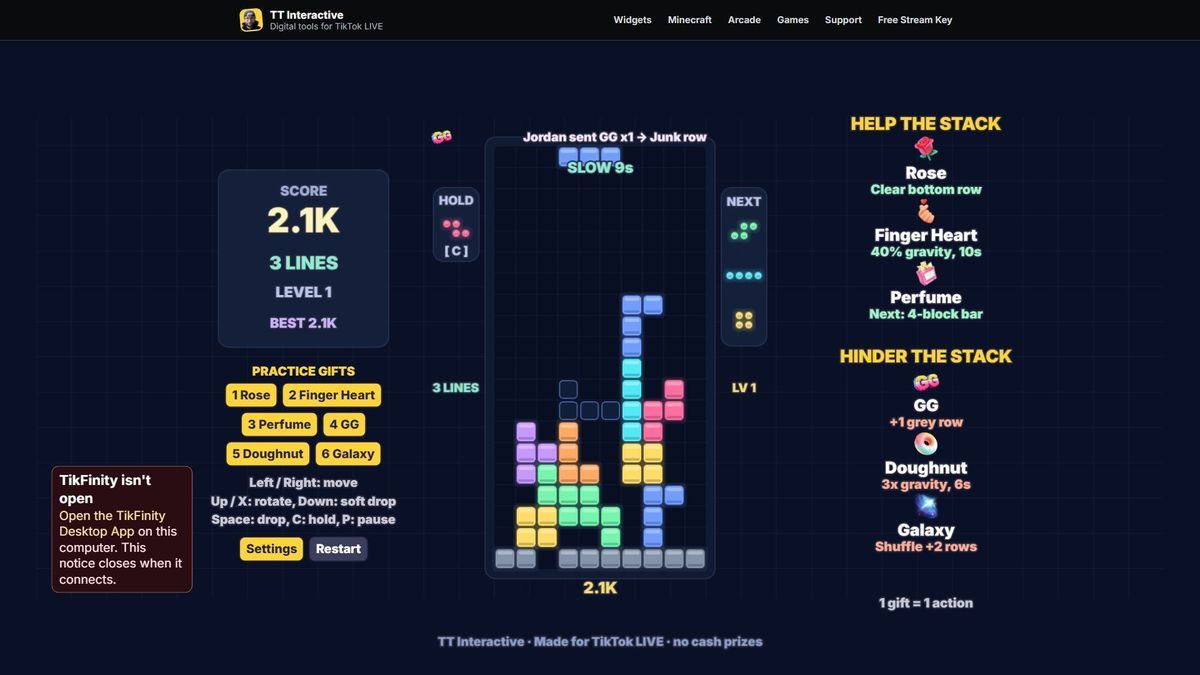
The short version, so you know if it fits your stream.
Price
Free
Play in your browser. No account or checkout.
Round
Until you top out
A new round starts 6 seconds after the results, or press Enter.
Who plays
You, the streamer
Move, rotate, drop and hold with the keyboard. Viewers trigger gift actions.
Viewers
6 gift actions
3 help and 3 hinder. One gift is one action, whatever its coin value.
Needs
TikFinity Desktop App
Open and connected for real gifts. Practice gifts work without TikTok.
Fit falling blocks into a well 10 squares wide and 20 high. Complete a horizontal row to clear it. Left and Right move, Up or X rotates, Down soft drops, Space hard drops and C holds. The ghost outline shows where your current block will land.
Each shuffled bag contains all seven blocks. The next queue shows three, and you can hold a block once per placement. A grounded block has a 500 millisecond lock delay, so you can make a final adjustment.
Clear one, two, three or four lines together for 100, 300, 500 or 800 points times your level. Soft drops add one point per square and hard drops add two. Every 10 lines increases the level and gravity gets faster. Your best score stays on this computer.
Rose, Finger Heart and Perfume help by clearing the bottom row, slowing gravity or supplying a straight bar. GG, Doughnut and Galaxy push up junk, speed up gravity or shuffle the stack. Top out to see your score, lines and best. A fresh round starts after 6 seconds, or press Enter.
These are the default gifts. You can change any of them in Settings, and each gift can only do one thing.
| Default gift | Coins | Side | What it does |
|---|---|---|---|
| Rose | 1 coin | Help | Line bomb: clears the bottom row with particles. If it is empty, adds 500 bonus points with gold sparkles. |
| Finger Heart | 5 coins | Help | Slow time: gravity runs at 40% for 10 seconds. Time stacks to 60 seconds. At the cap it refreshes and adds a visible 500 point bonus. |
| Perfume | 20 coins | Help | Makes the next block a long straight 4-block bar. Each additional gift queues another bar, with the pending count shown. |
| GG | 1 coin | Hinder | Pushes one grey junk row up from the bottom, with one gap. If it cannot fit, the round ends with Topped out by and the sender's name. |
| Doughnut | 30 coins | Hinder | Speed rush: triples gravity for 6 seconds. Time stacks to 60 seconds. At the cap it refreshes and adds a visible 500 point bonus. |
| Galaxy | 1000 coins | Hinder | Block Quake: a giant QUAKE banner and camera shake, one shuffle of the stack columns, then two junk rows. Another quake waits in the queue. Pushes what fits before a top-out, naming the sender. |
Gift streaks count every gift: five Roses trigger five line bombs. Actions land in order at a capped rate, and large streaks show a compact remaining counter while they drain steadily. Gifts received during results carry to the next round. Every gift has a visible effect, including the fallbacks below. Likes and comments do nothing.
Seven original blocks, a centred well and a fresh challenge each round.
Keyboard controls. Use Interact on the browser source in OBS or TikTok LIVE Studio first.
| Left / Right | Move the falling block |
| Up or X | Rotate clockwise |
| Down | Soft drop |
| Space | Hard drop |
| C | Hold, once per placement |
| Enter | Start or restart after a round |
| P or Esc | Pause or resume |
| Shift + 1 to 6 | Send a local practice gift on the hosted page |
Using the default gifts? The plain overlay link works too:
https://wgmojo.gg/arcade/block-drop/?overlay=1
Captured from the game in practice mode, not mock-ups.
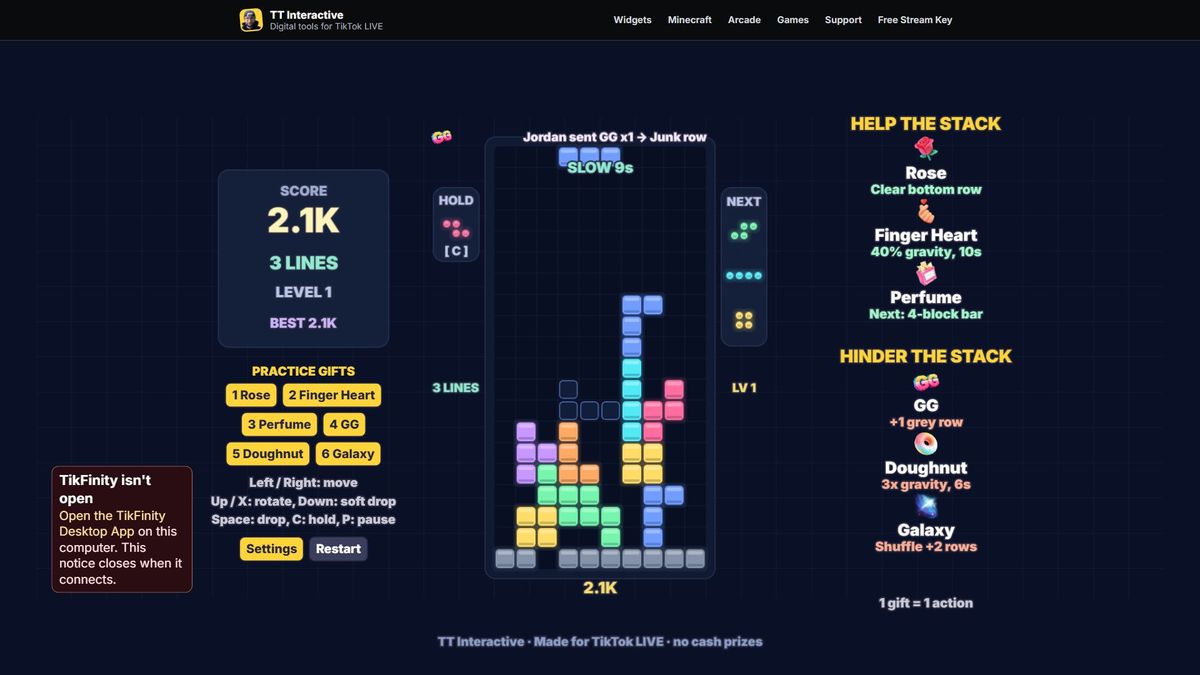
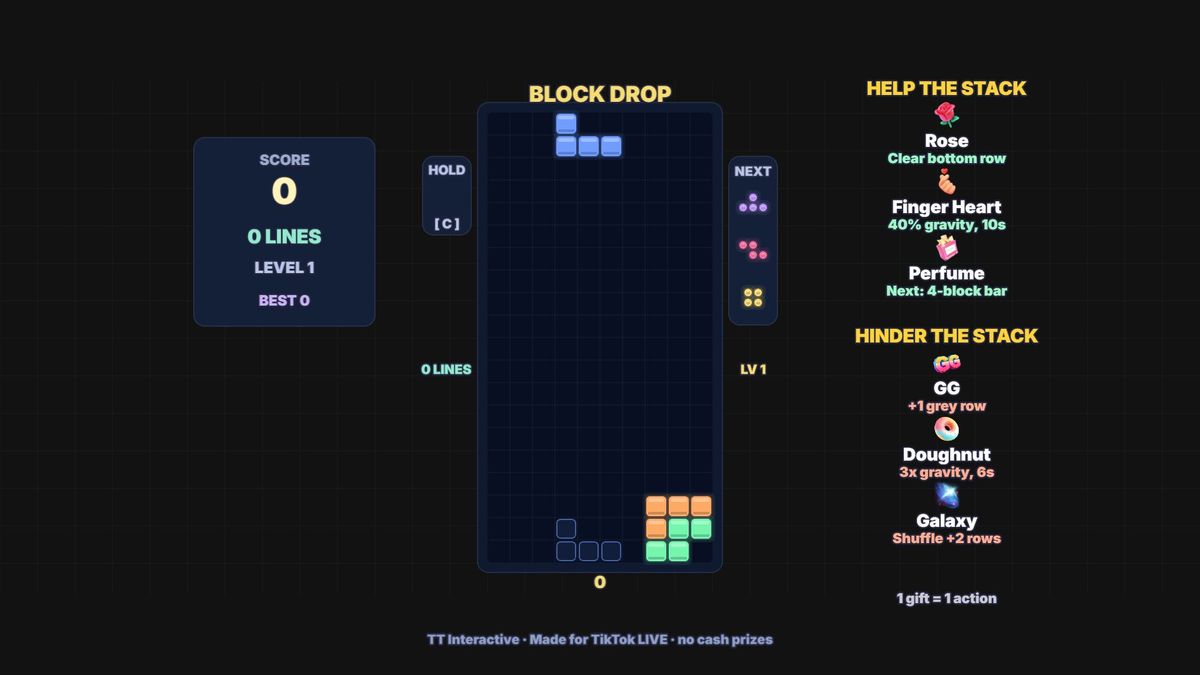
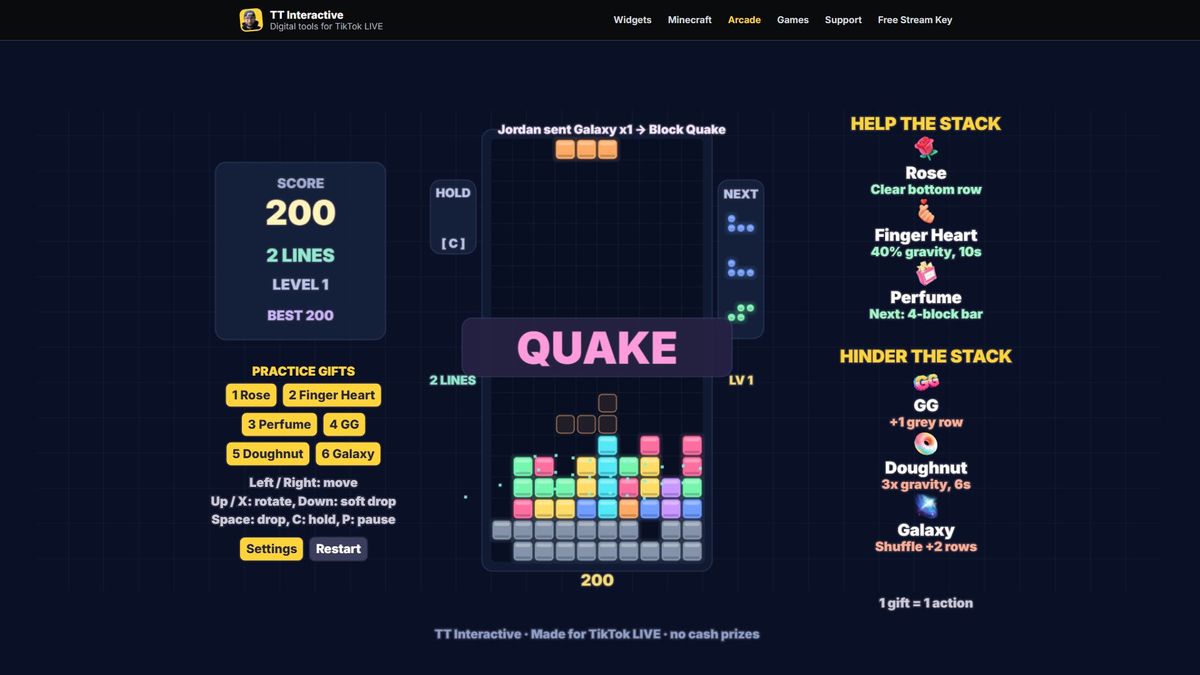
Ready For Stream
Try it with practice gifts, pick your gifts in Settings, then copy the overlay link into OBS before your next TikTok LIVE.
New to TikFinity? Create your new account through Harry's affiliate link and the 20% discount is applied automatically at signup. No code needed.
Quick answers before you go LIVE.
A free falling-block line puzzle for TikTok LIVE. You play with the keyboard while viewers send gifts to bomb your lines or bury you in junk.
Yes. Play in your browser on wgmojo.gg, with no account or checkout.
For real gifts, yes. Keep the TikFinity Desktop App open and connected to your LIVE. Local practice gift buttons work without TikTok or TikFinity.
Yes. Add the overlay link as a browser source at 1920 x 1080 and use Interact for keyboard control. The well and essential HUD fit inside a centred 9:16 crop.
Use /arcade/block-drop/?overlay=1 for the defaults, or copy the link from Settings to include your gift choices. The overlay has no site menu or practice buttons.
Play until you top out. Results show your score, lines and locally saved best. A new round starts after 6 seconds, or press Enter.
An empty line bomb adds 500 points and gold sparkles. Full slow and rush timers refresh with a bonus. Junk and quakes push what fits before ending the round with the sender named. Another quake waits in the queue.
Yes. Open Settings and choose a gift for each action. Each gift can only trigger one action. Your choices are saved locally and included in the copied overlay link.
Yes. One gift is one action, whatever its coin value. Large streaks drain steadily from a counted FIFO queue, with the remaining count visible. Gifts at results carry into the next round.