
Price
Free
Play it in your browser. No account or checkout.
Parts ride the belt onto your factory floor. Merge 2 of the same part to build something better, all the way from a Bolt to a Rocket, and launch 3 rockets before the shift ends. Your viewers' gifts drop gears and rare golden blocks, or start rush hour and break your best machines.
The short version, so you know if it fits your stream.
Price
Free
Play it in your browser. No account or checkout.
Round
About 4 minutes
Launch 3 rockets to win. The shift ends at 5:00, or sooner if the factory jams.
Who plays
You, the streamer
Drag a part onto a matching part, or click one and then the other. Arrow keys and Space work too.
Viewers
6 gift actions
3 help the factory and 3 hinder it. 1 gift = 1 action, and every gift always does something.
Needs
TikFinity Desktop App
Open and connected for real gifts. Practice gifts work without TikTok.
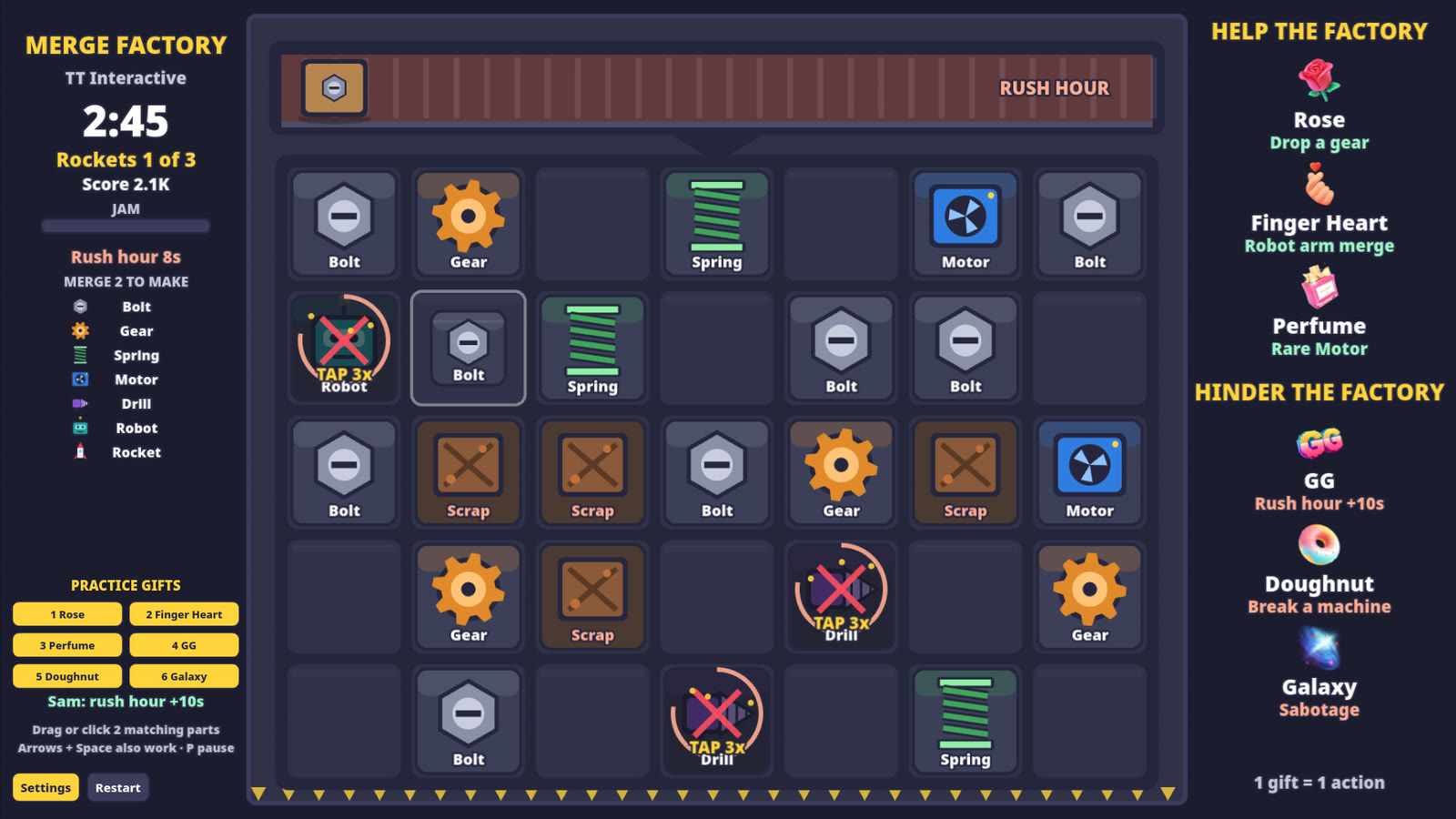
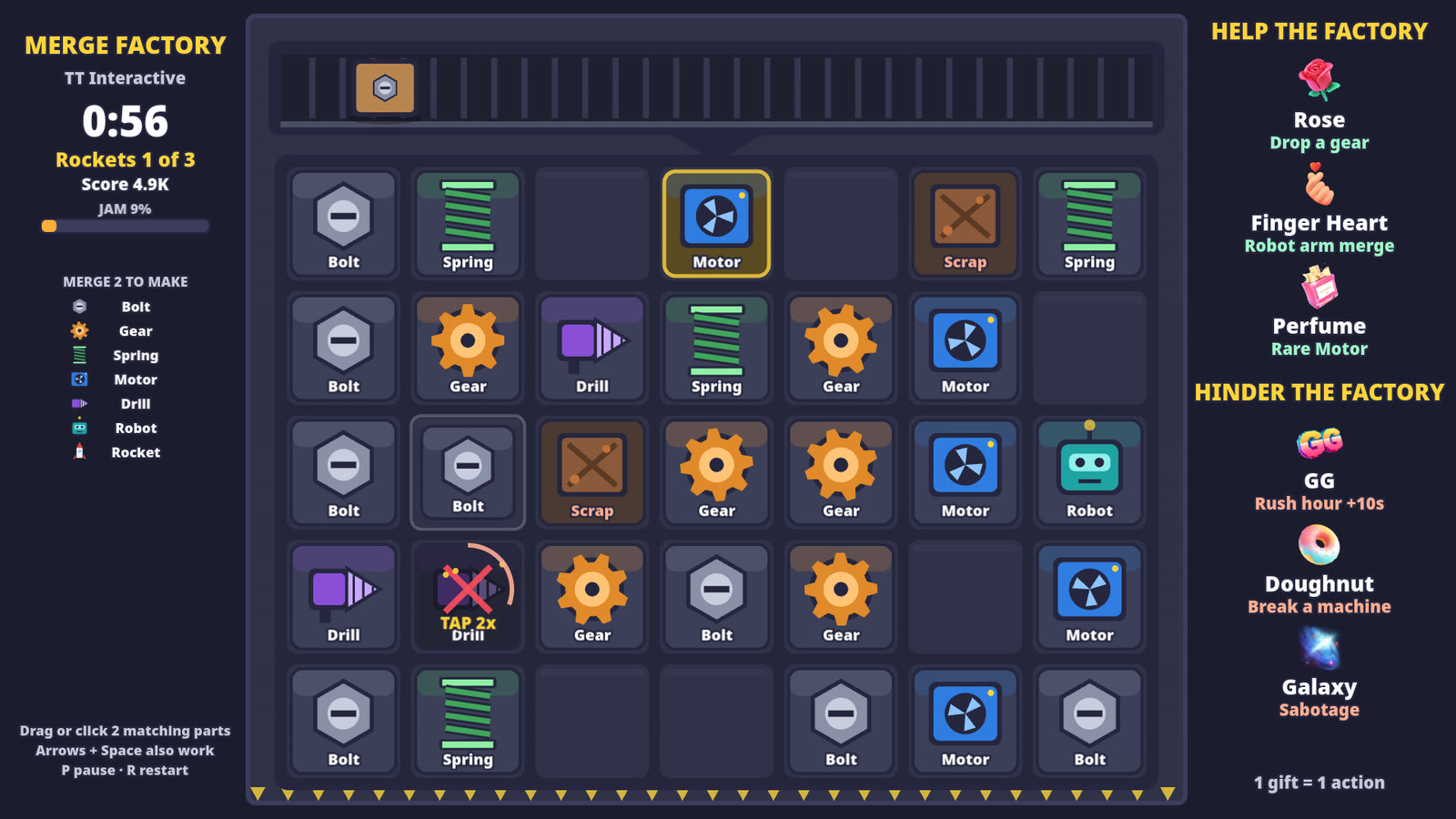
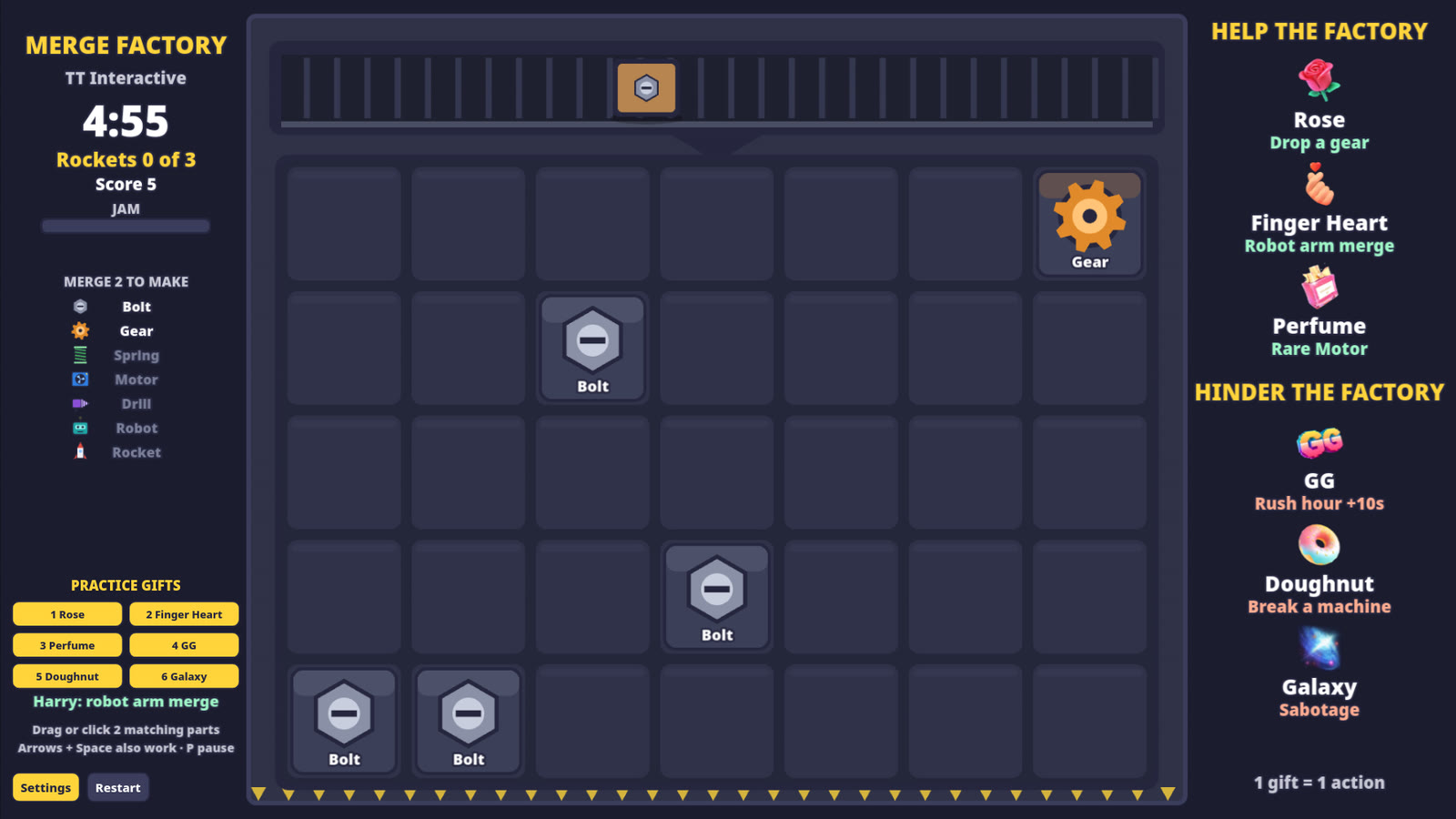
Merge Factory is a merge puzzle on a board of 35 spaces (7 x 5). Crates ride in on the belt at the top and drop a part into a free space. Drag a part onto another of the same kind to merge them into the next part up the chain: Bolt, Gear, Spring, Motor, Drill, Robot and Rocket. You can also drag a part into an empty space to tidy up.
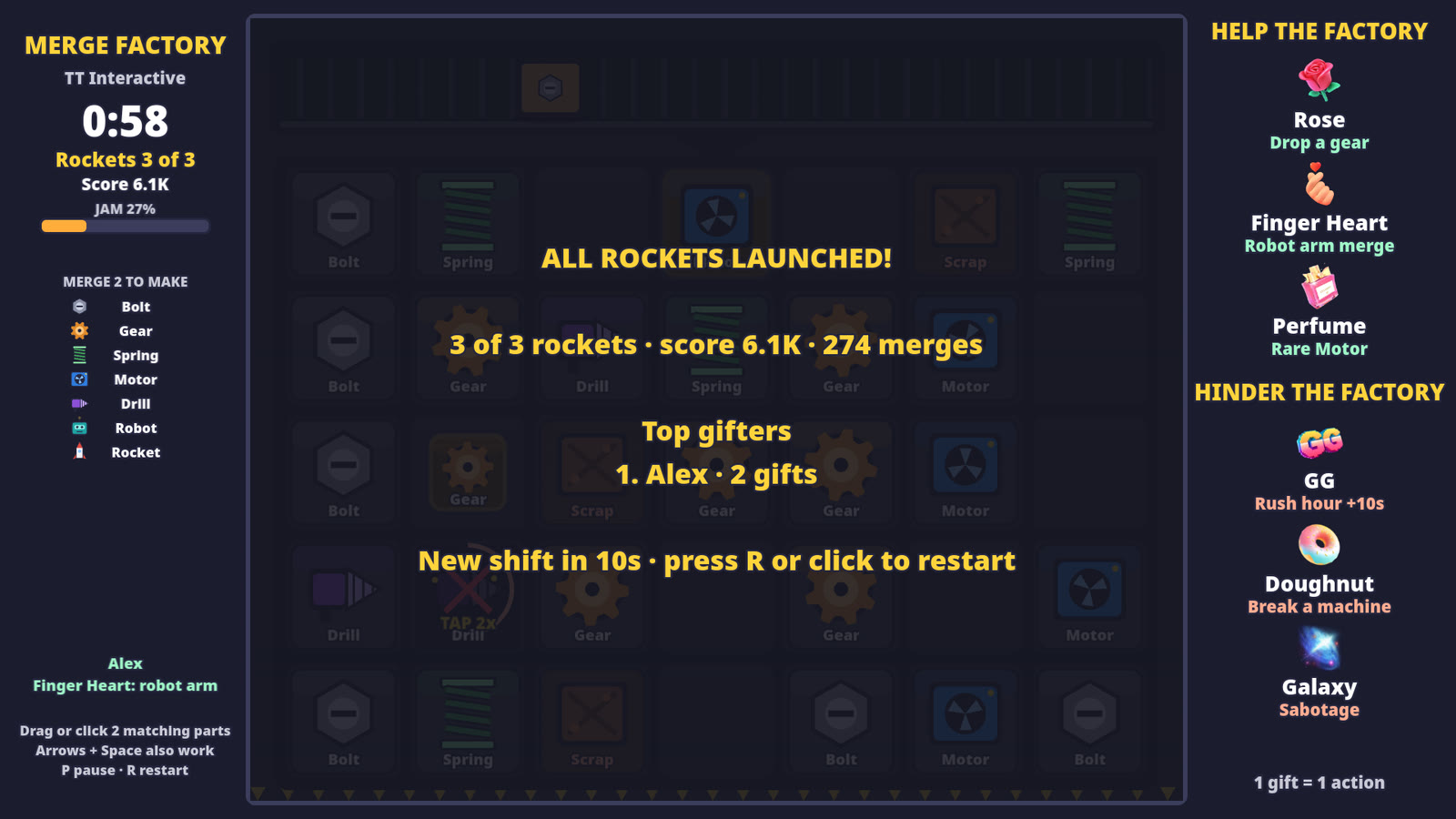
Two Robots make a Rocket, which launches straight away and frees its space. Launch 3 rockets to win the shift. The belt speeds up as the round goes on, so keep merging to make room.
If the board is full and a crate is waiting, the jam meter fills. Free a space and it drains again. If it fills for 10 seconds the factory jams and the round ends. The shift also ends at 5:00, and a new one starts on its own 12 seconds later.
Broken machines can't merge or move. They fix themselves after 12 seconds, or you can tap one 3 times to fix it now. Scrap crates are junk: merge 2 scrap to recycle them for points. The gifter's name shows when their gift lands, and the results screen lists the top gifters.
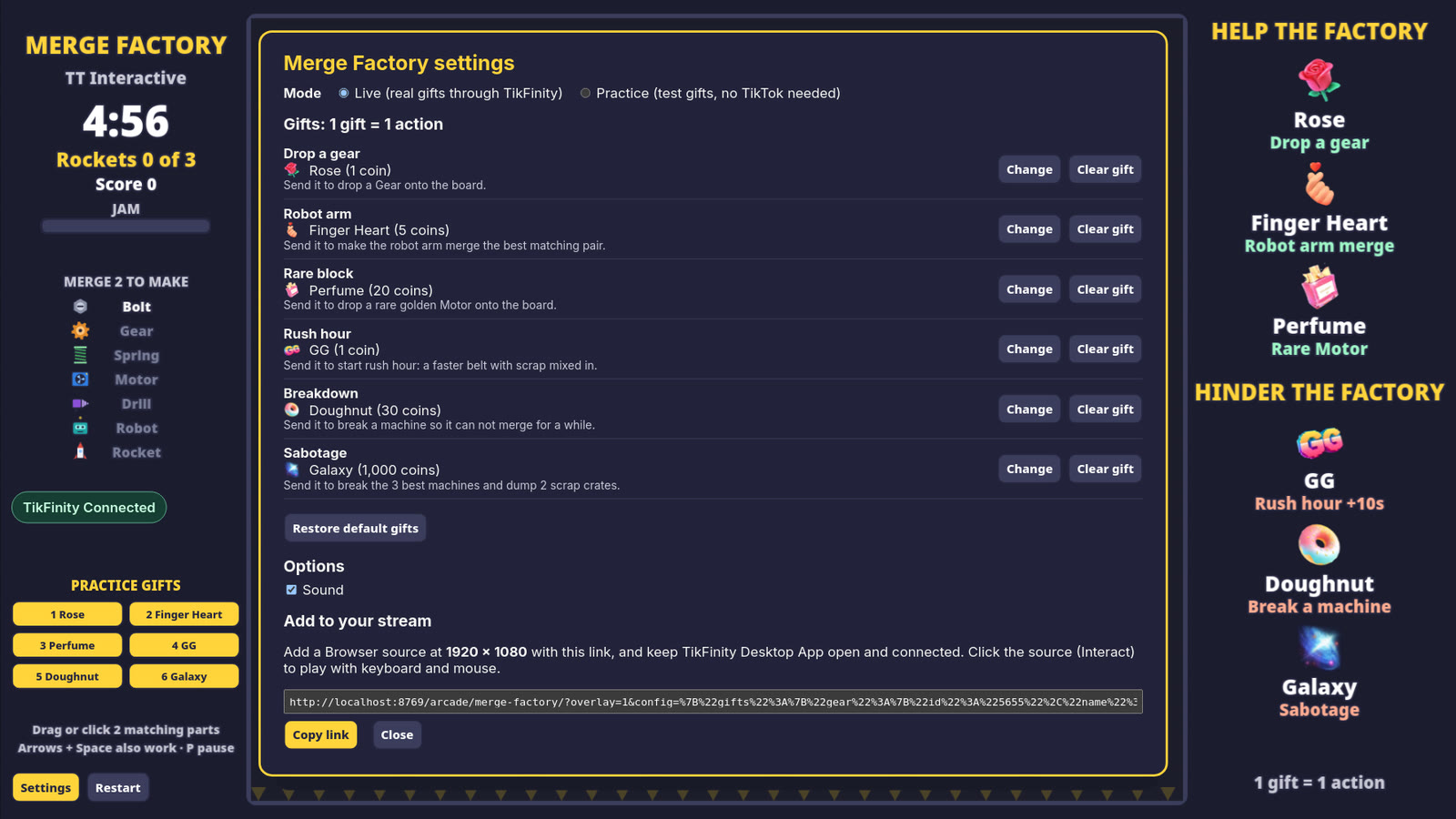
These are the default gifts. You can change any of them in Settings, and each gift can only do one thing.
| Default gift | Coins | Side | What it does |
|---|---|---|---|
| Rose | 1 coin | Help | Drops a golden Gear into a free space. On a full board it clears a scrap crate instead, or repairs a broken machine, or upgrades the smallest part. |
| Finger Heart | 5 coins | Help | The robot arm merges the best matching pair on the board for you. With no pair to merge, it does the same fallback as the Rose. |
| Perfume | 20 coins | Help | Drops a rare golden Motor into a free space. On a full board it does the same fallback as the Rose. |
| GG | 1 coin | Hinder | Starts rush hour for 10 seconds, or adds 10 seconds to it. The belt runs twice as fast and mixes in scrap crates. |
| Doughnut | 30 coins | Hinder | Breaks one of your best machines for 12 seconds. If every part is already broken, it drops a scrap crate instead. With no space left either, broken machines take 6 seconds longer to fix, or the jam meter jumps. |
| Galaxy | 1000 coins | Hinder | Breaks your 3 best machines and dumps 2 scrap crates on the board. If neither can happen, it does the same fallback as the Doughnut. A gift on its own never jams the factory. |
Gift streaks count every gift, so a streak of 3 Roses drops 3 Gears. No gift is ever wasted: if its normal effect can't happen, it does the fallback shown here. Likes and comments do nothing in Merge Factory.
Every part is made from 2 of the part before it. Bigger parts are worth more points.
Mouse or keyboard. On the overlay, use Interact in OBS first.
| Drag a part onto a match | Merge them into the next part |
| Click a part, then a match | Merge them (or click an empty space to move it) |
| Click a broken machine | Tap it 3 times to fix it now |
| Arrow keys or WASD, then Space | Move the cursor and pick a part |
| P or Esc | Pause (Esc first cancels a pick) |
| R | Restart when paused or after a round |
| Shift + 1 to 6 | Send a practice gift (Practice mode) |
Using the default gifts? The plain overlay link works too:
https://wgmojo.gg/arcade/merge-factory/?overlay=1
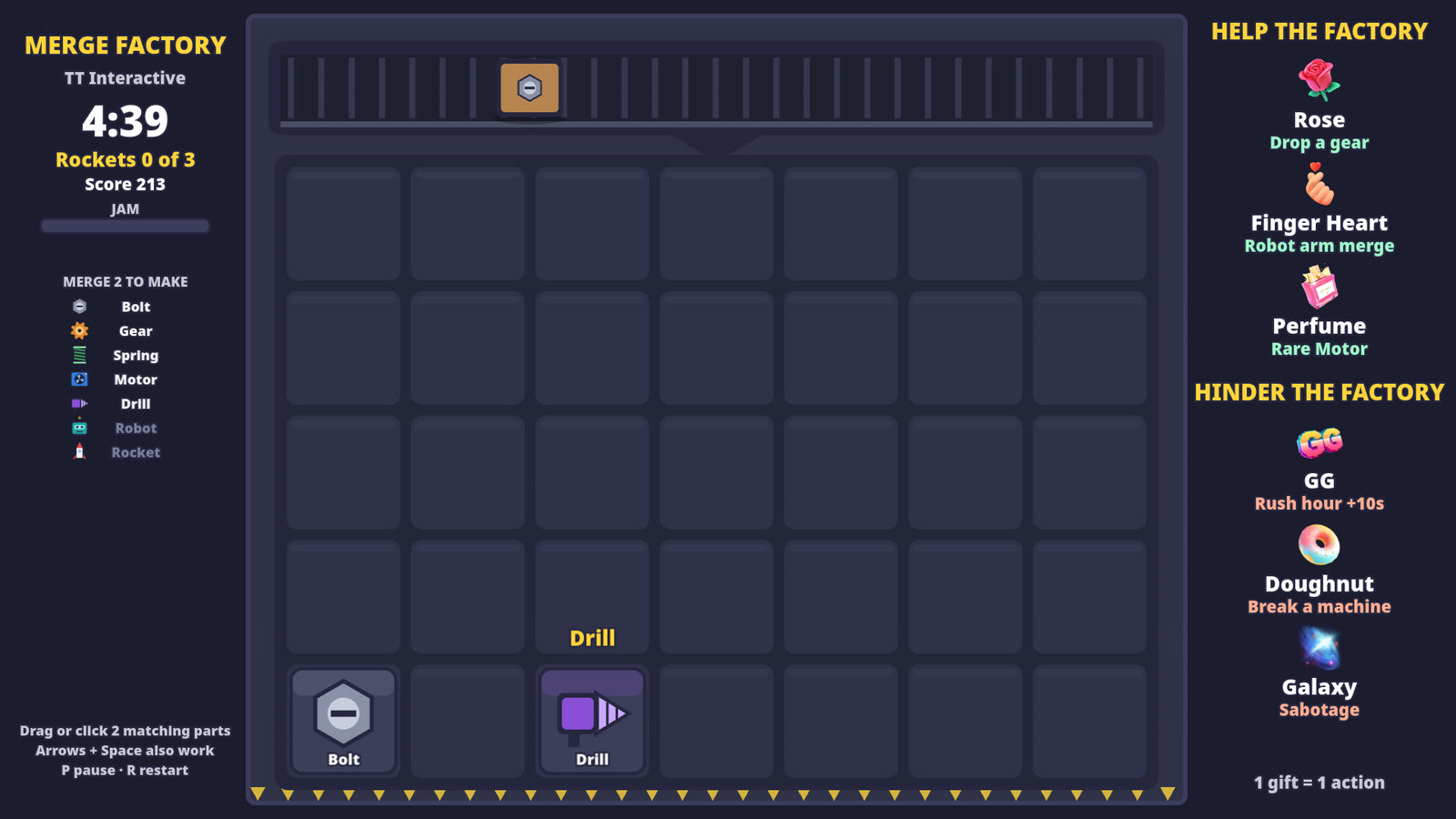
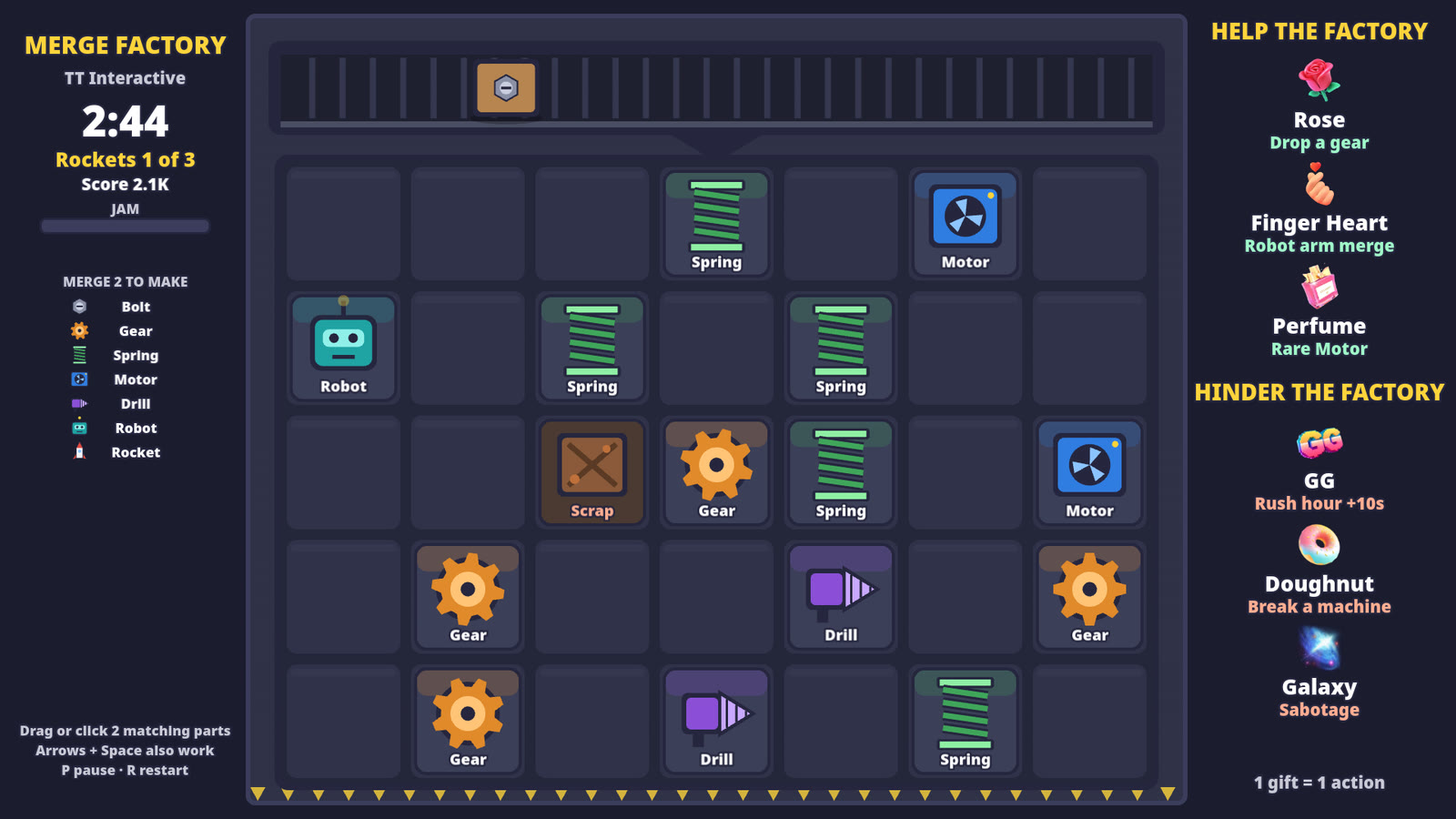
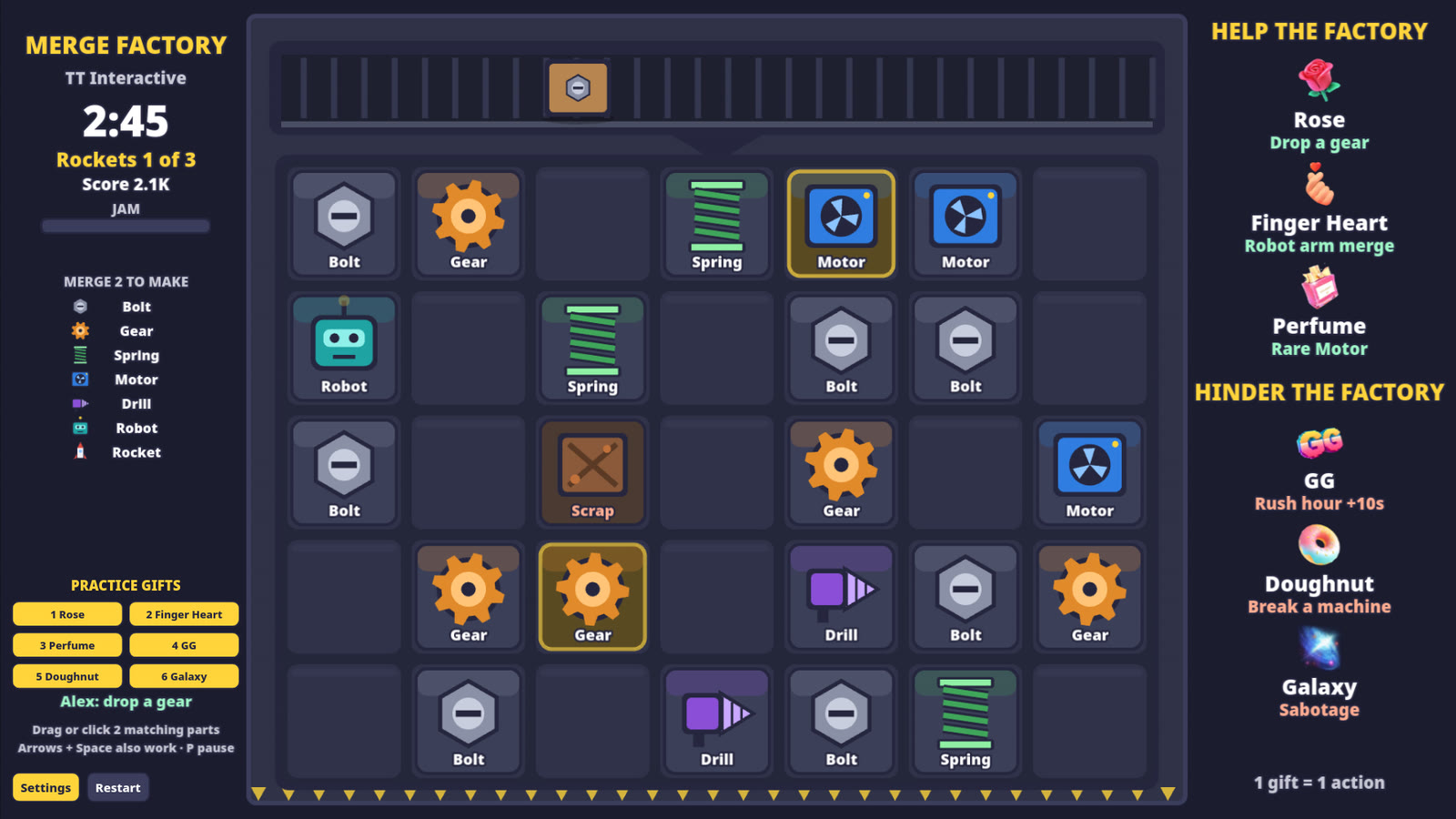
Captured from the game in practice mode, not mock-ups.
Ready For Stream
Try it with practice gifts, pick your gifts in Settings, then copy the overlay link into OBS before your next TikTok LIVE.
New to TikFinity? Create your new account through Harry's affiliate link and the 20% discount is applied automatically at signup. No code needed.
Quick answers before you go LIVE.
Merge Factory is a free merge puzzle for TikTok LIVE. You merge parts into bigger machines and launch rockets, and your viewers' gifts help or hinder you through TikFinity.
Yes. You play it in your browser on wgmojo.gg with no account or checkout.
For real gifts, yes. Keep the TikFinity Desktop App open and connected to your LIVE. Practice gifts work without TikFinity or TikTok.
You do, with the mouse or keyboard. Viewers take part through gifts, which can drop gears and rare blocks, merge parts for you, or start rush hour and break machines. There are no touch or gamepad controls yet.
A round usually takes about 4 minutes. It ends when you launch 3 rockets, when the factory jams, or at 5:00. A new shift starts 12 seconds later.
It does a fallback instead, so no gift is ever wasted. For example, a Rose on a full board clears a scrap crate or repairs a machine, and a Doughnut with everything already broken drops scrap.
Yes. Open Settings on the play page and pick any gift for each action. Each gift can only do one action, and Restore default gifts puts the list back.
The overlay link shows the game at 1920 x 1080 with no site menu, buttons or practice gifts, ready to use as a browser source.