
Price
Free
Play it in your browser. No account or checkout.
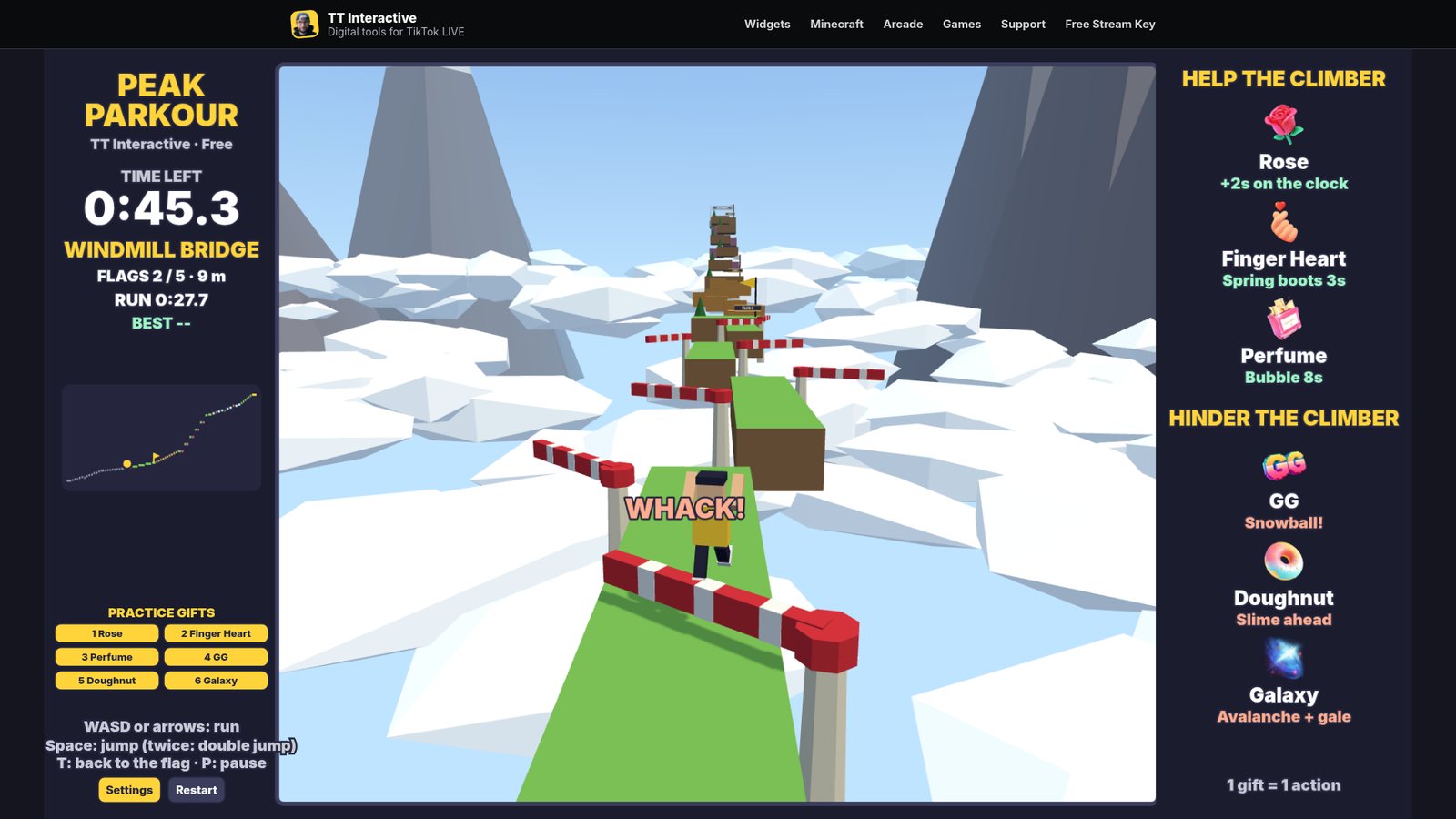
Run and jump your way up a low-poly mountain before the clock runs out. Ride river ferries, dodge windmill sails, outrun crumbling ledges and bounce up spring pads, while your viewers' gifts add time, spring boots and bubbles, or throw snowballs, slime and avalanches at you.
The short version, so you know if it fits your stream.
Price
Free
Play it in your browser. No account or checkout.
Round
About 2 minutes
One climb against the clock. A run stops at 5:30, and the next one starts 12 seconds after the results.
Who plays
You, the streamer
W, A, S and D or the arrow keys to run, Space to jump and double jump.
Viewers
6 gift actions
3 help the climber and 3 hinder them. 1 gift = 1 action, and every gift always does something.
Needs
TikFinity Desktop App
Open and connected for real gifts. Practice gifts work without TikTok.
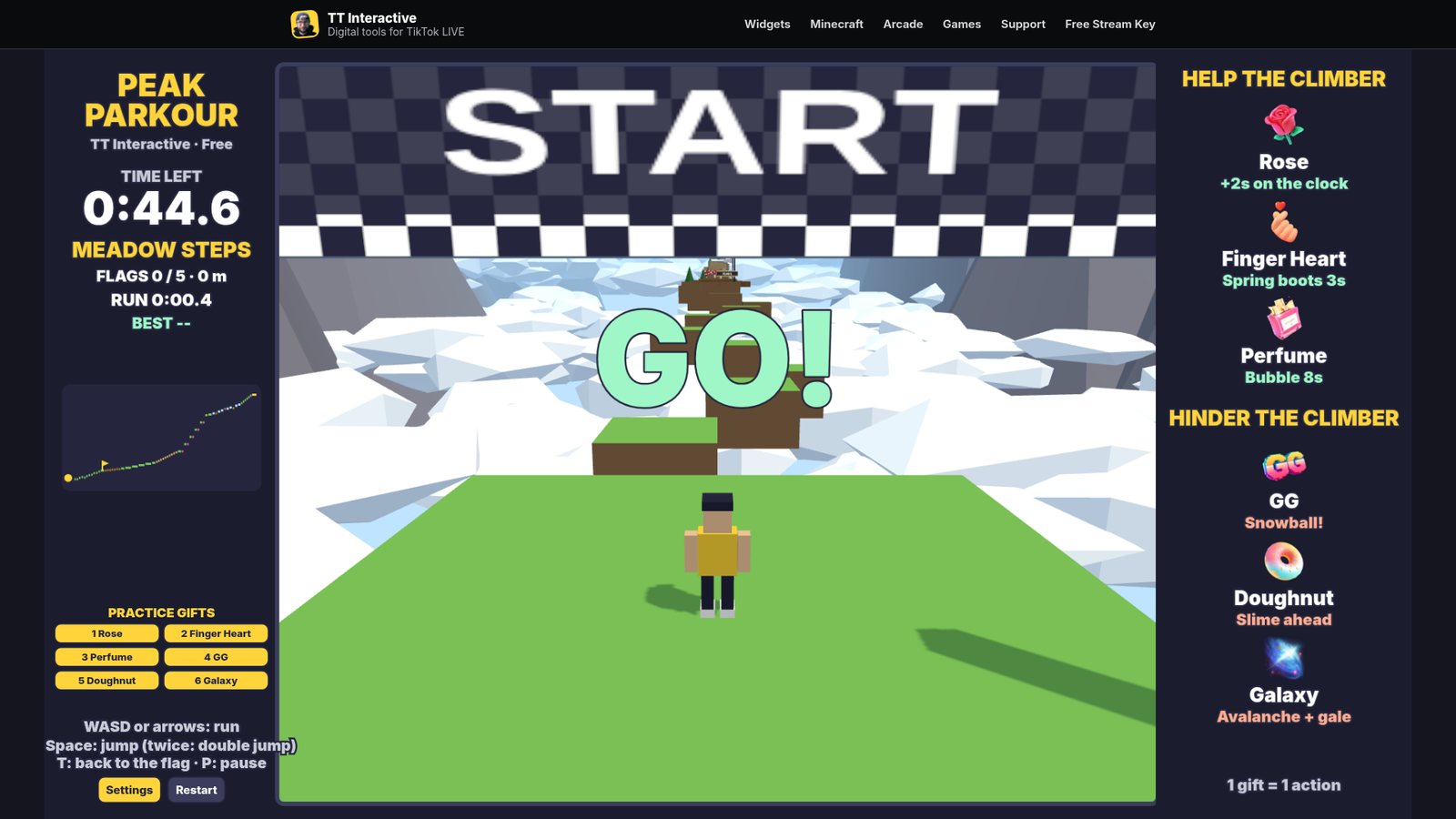
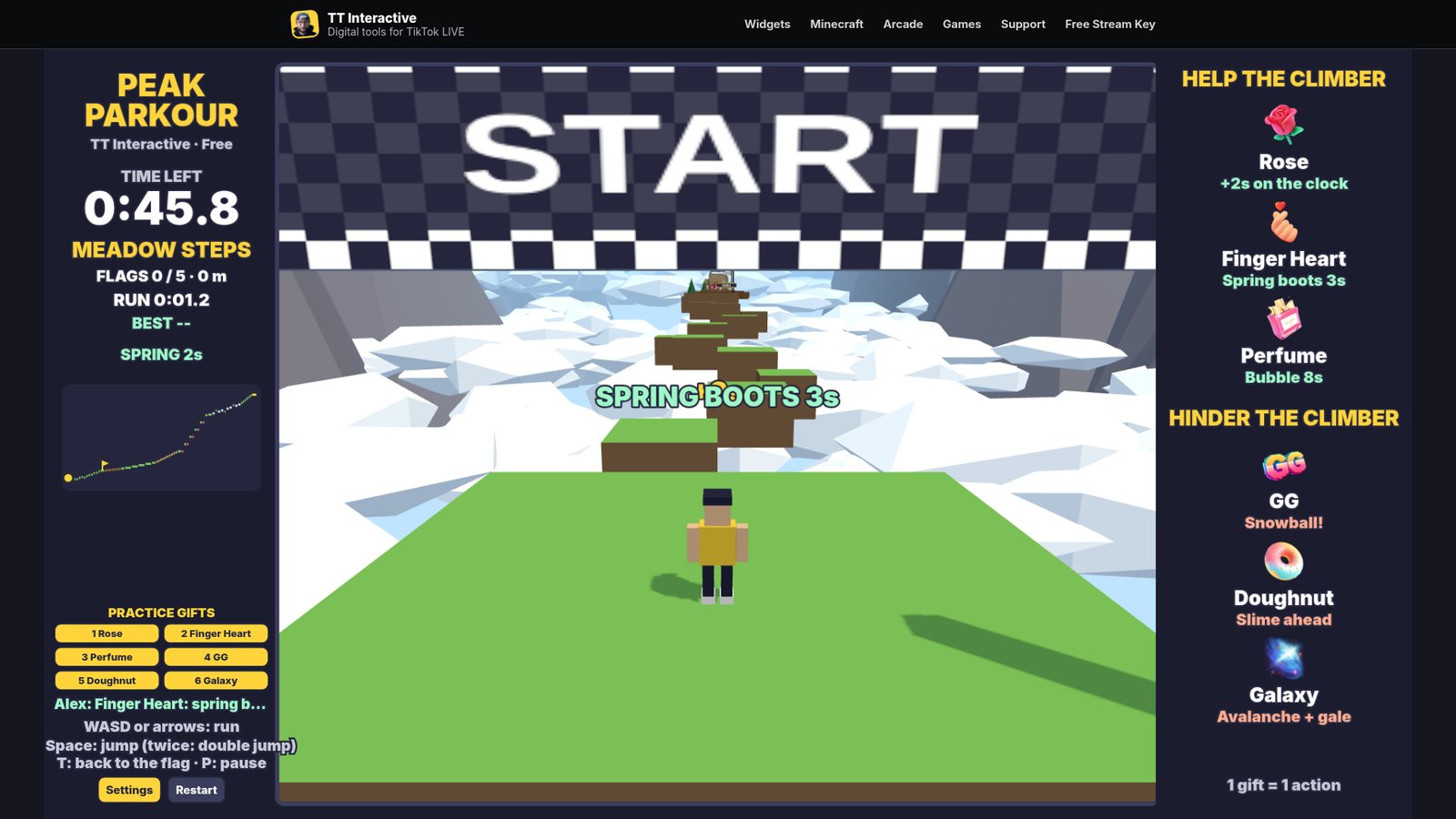
Peak Parkour is a 3D obstacle course. You run and jump from platform to platform up a mountain, through 7 sections: Meadow Steps, River Ferries, Windmill Bridge, Crumble Ledges, Spring Cliffs, Ice Ridge and the Summit. The clock on the left starts at 45 seconds and counts down from GO.
There are 5 checkpoint flags on the way up. The next one is yellow, and landing on its platform adds time to the clock and makes it your restart point. Fall off the course and you start again from the last flag. If the clock reaches zero you are out of time.
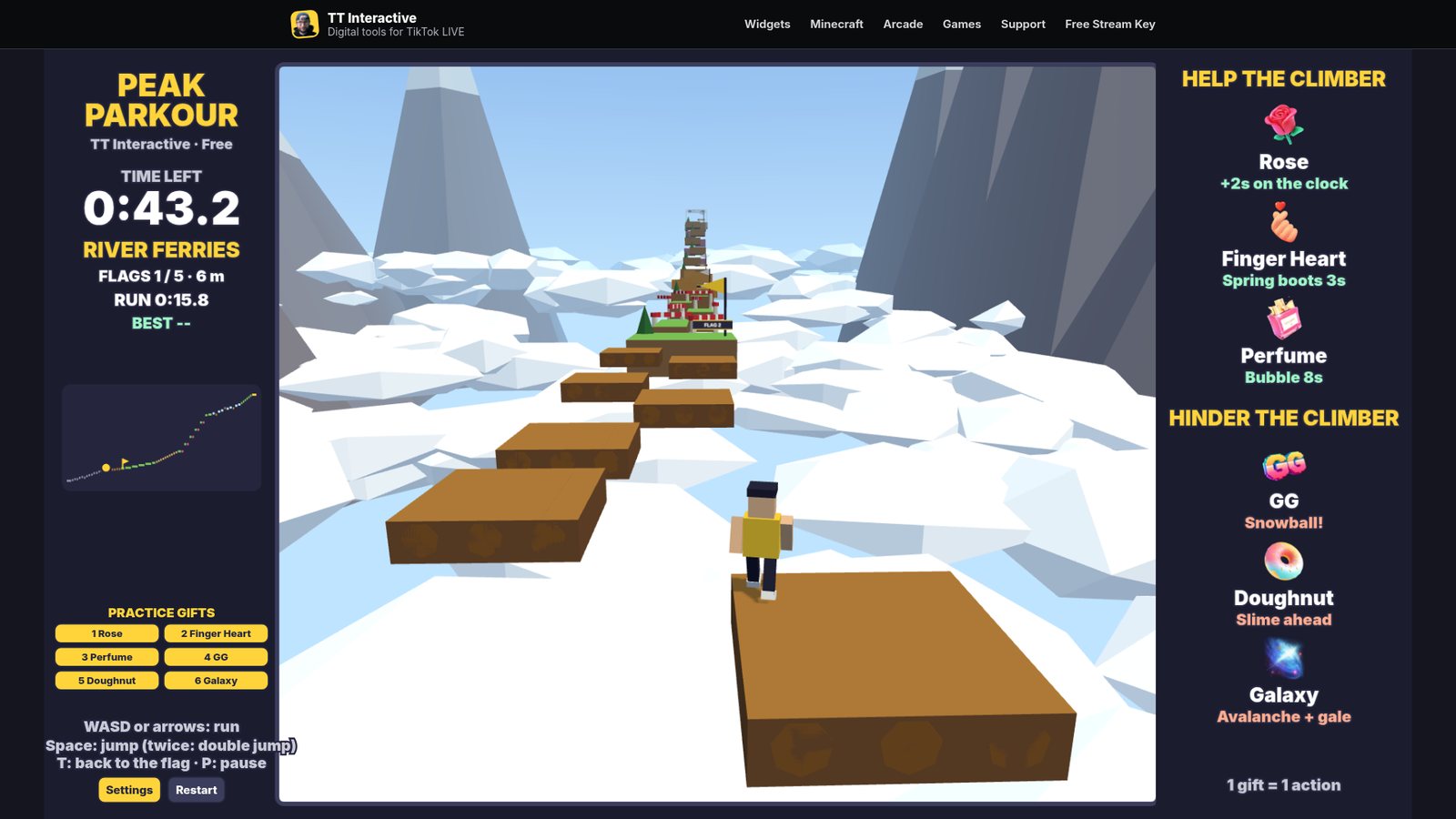
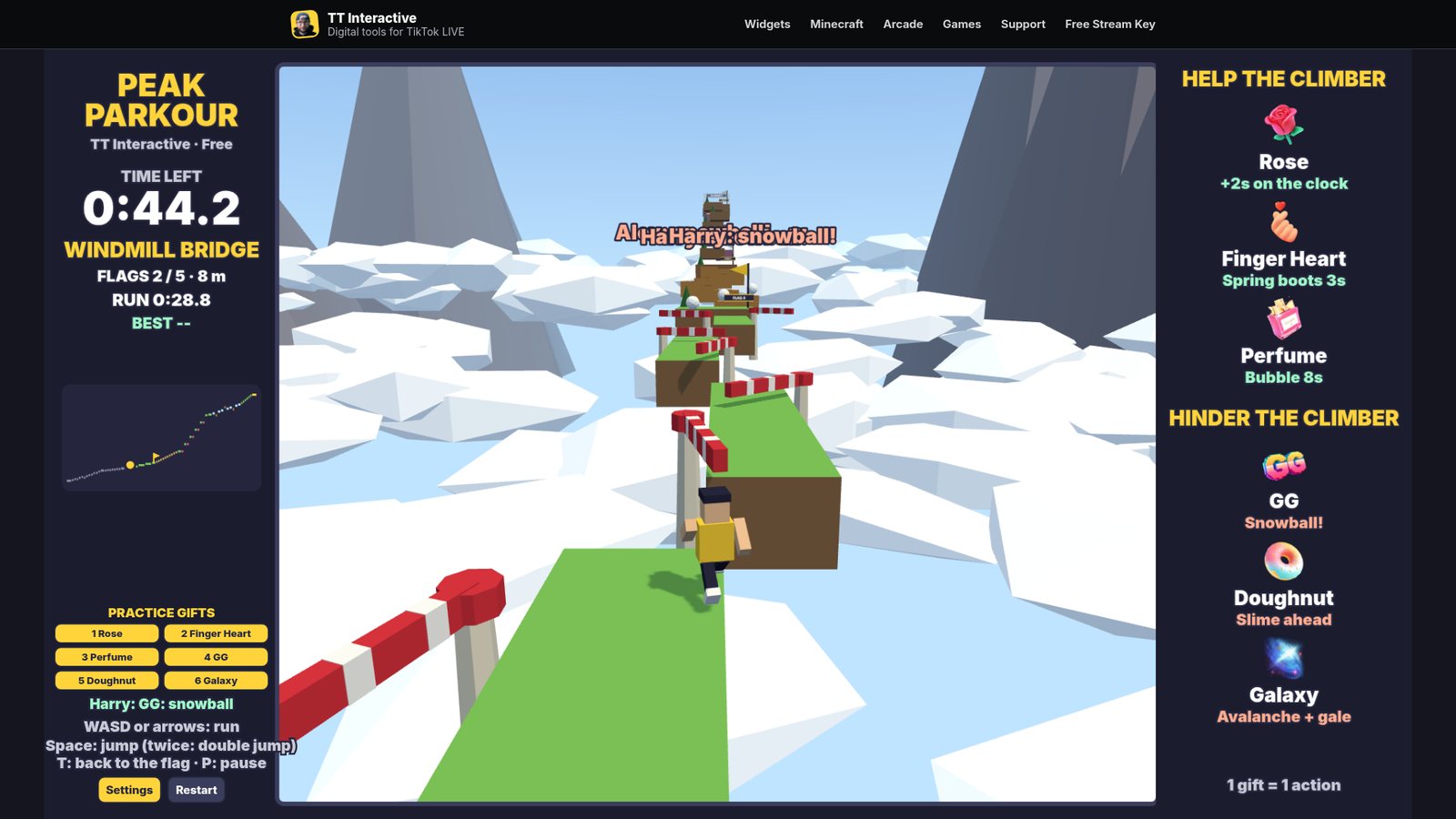
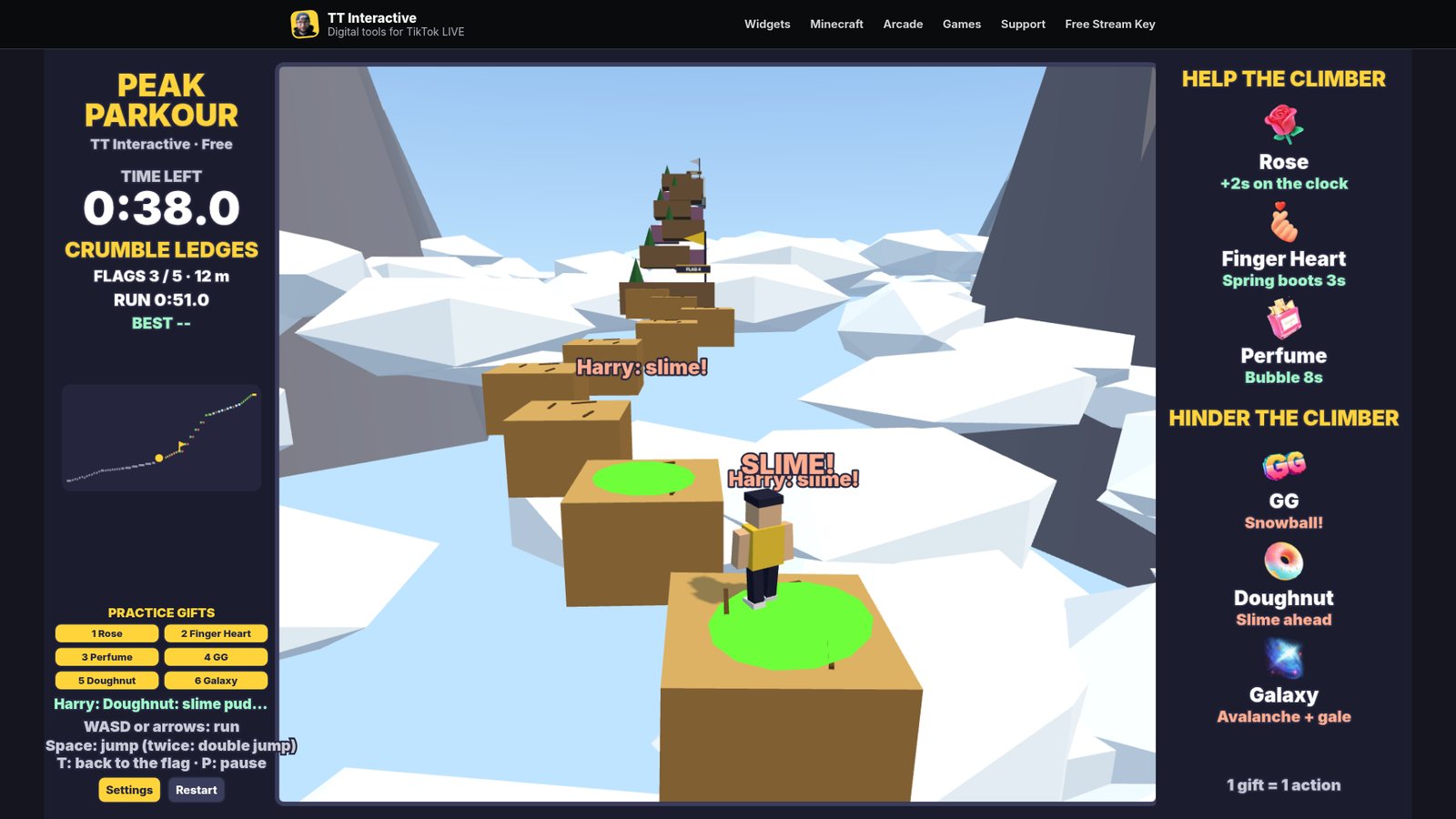
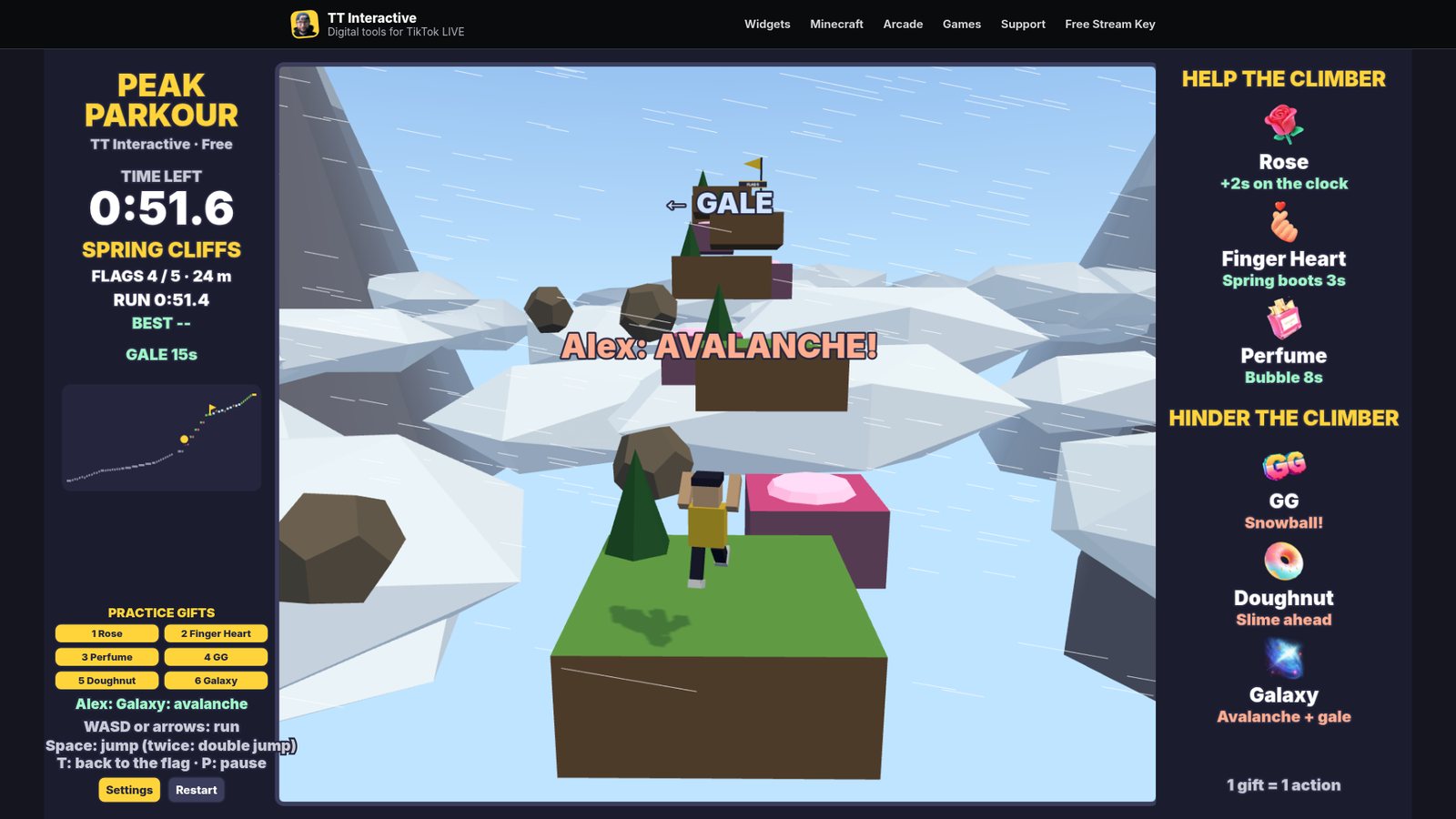
Each section has its own trick. Ferries slide from side to side, windmill sails sweep the narrow bridges, sandstone ledges crack and drop soon after you land, pink spring pads launch you up the cliffs, and the ice is slippery with lifts that ride up and down. Press Space again in mid air for a double jump.
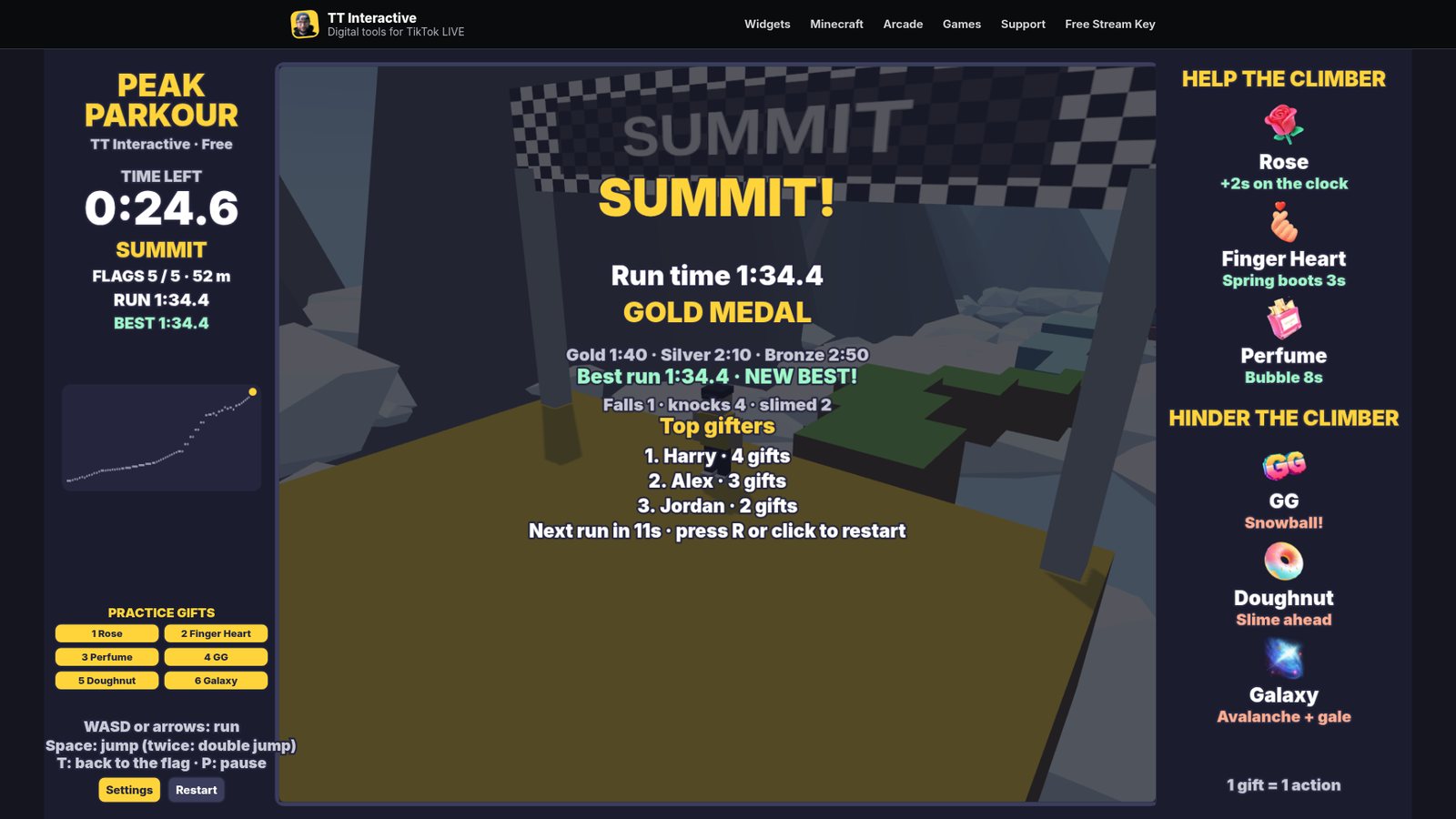
Reach the summit for a medal: Gold under 1:40, Silver under 2:10 and Bronze under 2:50. Your best run is saved on this computer and comes back as a see-through ghost to race. The gifter's name shows when their gift lands, and the results screen lists the top gifters.
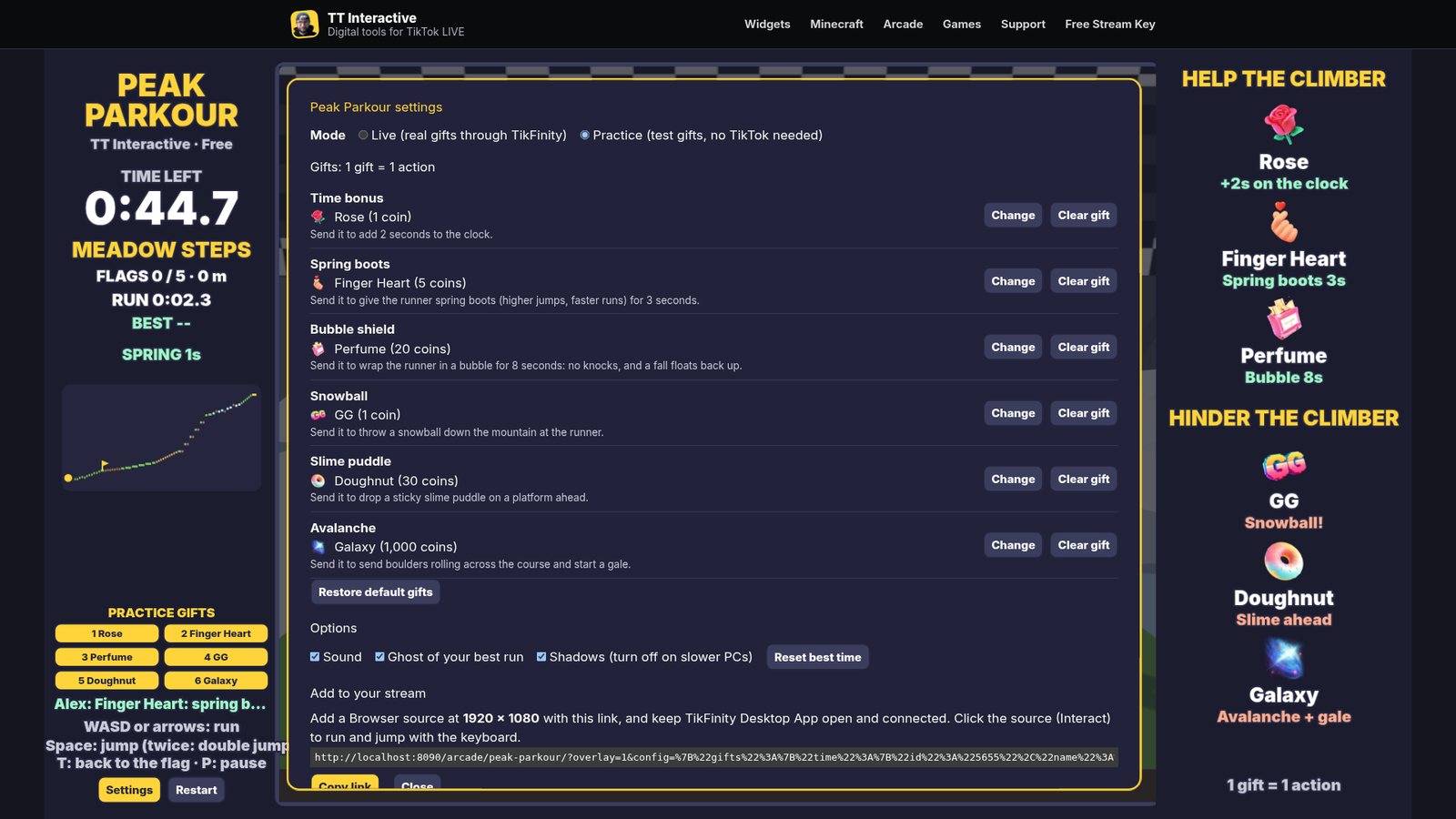
These are the default gifts. You can change any of them in Settings, and each gift can only do one thing.
| Default gift | Coins | Side | What it does |
|---|---|---|---|
| Rose | 1 coin | Help | Adds 2 seconds to the clock. It always works, whatever is happening in the run. |
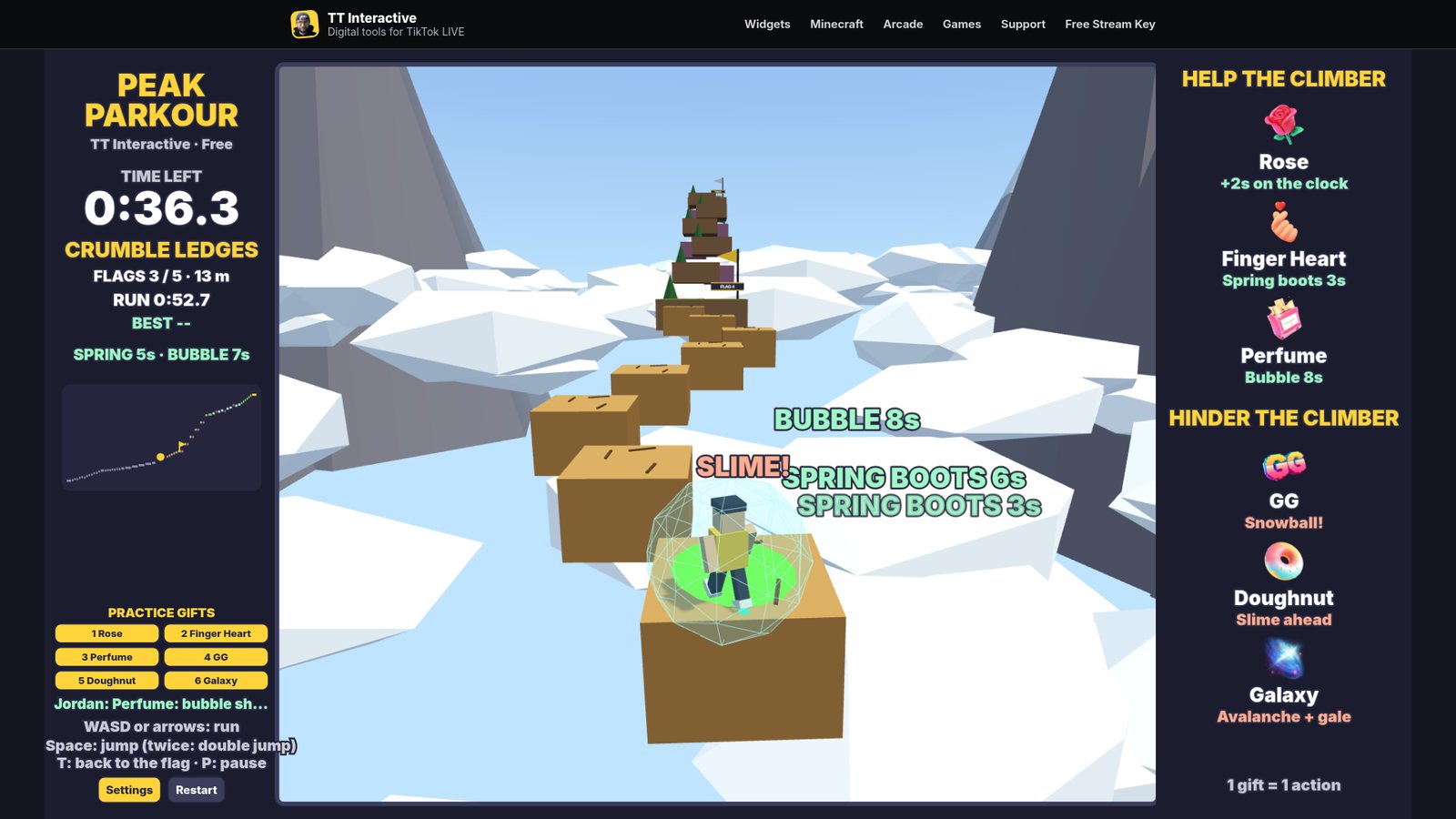
| Finger Heart | 5 coins | Help | Gives you spring boots for 3 seconds: higher jumps, bigger bounces and a faster run. Boots stack up to 30 seconds. With the boots full, it adds 1 second to the clock instead. |
| Perfume | 20 coins | Help | Wraps you in a bubble for 8 seconds, so sails, snowballs and boulders can't knock you, and a fall floats you back up. It stacks up to 60 seconds, then adds 2 seconds to the clock instead. |
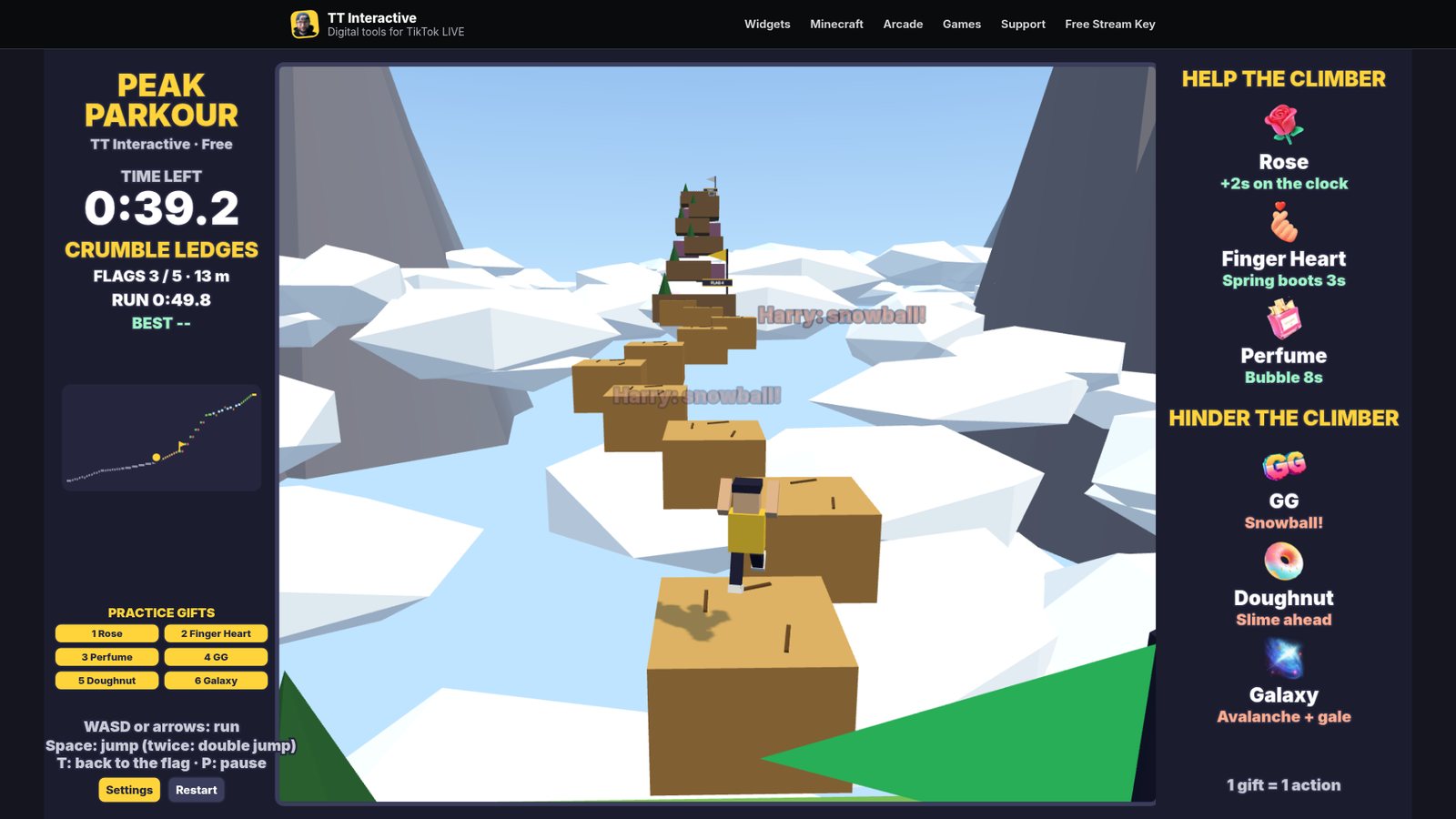
| GG | 1 coin | Hinder | Throws a snowball down the mountain at you. A hit knocks you back, so it can push you off a ledge. More GGs throw more snowballs. |
| Doughnut | 30 coins | Hinder | Drops a green slime puddle on a platform just ahead. Standing in it slows you right down and weakens your jump. |
| Galaxy | 1000 coins | Hinder | Rolls 5 boulders across the course ahead and starts a 15 second gale that blows you sideways. A boulder hit throws you hard. |
Gift streaks count every gift, so a streak of 5 Roses adds 10 seconds. No gift is ever wasted: if its normal effect can't happen, it does the fallback shown here, and gifts sent during the results screen land at the start of the next run. Likes and comments do nothing in Peak Parkour.
The course is the same every run, so you can learn it and chase a faster time.
Keyboard. On the overlay, use Interact in OBS first.
| W or Up arrow | Run up the course (also starts the run) |
| S or Down arrow | Run back |
| A and D, or Left and Right | Run left and right |
| Space | Jump. Press again in mid air to double jump |
| T | Go back to the last flag |
| P or Esc | Pause |
| R | Restart when paused or after a run |
| Shift + 1 to 6 | Send a practice gift (Practice mode) |
Using the default gifts? The plain overlay link works too:
https://wgmojo.gg/arcade/peak-parkour/?overlay=1
Captured from the game in practice mode, not mock-ups.
Ready For Stream
Try it with practice gifts, pick your gifts in Settings, then copy the overlay link into OBS before your next TikTok LIVE.
New to TikFinity? Create your new account through Harry's affiliate link and the 20% discount is applied automatically at signup. No code needed.
Quick answers before you go LIVE.
Peak Parkour is a free 3D obstacle course game for TikTok LIVE. You climb to the summit against the clock, and your viewers' gifts help or hinder you through TikFinity.
Yes. You play it in your browser on wgmojo.gg with no account or checkout.
For real gifts, yes. Keep the TikFinity Desktop App open and connected to your LIVE. Practice gifts work without TikFinity or TikTok.
You do, with the keyboard. Viewers take part through gifts, which can add time, spring boots and bubbles, or throw snowballs, slime and avalanches. There are no touch or gamepad controls yet.
A run usually takes 1 to 3 minutes. It ends when you reach the summit, when the clock runs out, or at 5:30. A new run starts 12 seconds later.
You start again from the last checkpoint flag you reached. With a bubble from a Perfume gift, a fall floats you back up to the last safe platform instead.
It does a fallback instead, so no gift is ever wasted. For example, a Finger Heart with the spring boots full adds a second to the clock, and gifts sent on the results screen land when the next run starts.
Yes. Open Settings on the play page and pick any gift for each action. Each gift can only do one action, and Restore default gifts puts the list back.
The overlay link shows the game at 1920 x 1080 with no site menu, buttons or practice gifts, ready to use as a browser source.
Yes. It runs in any modern browser with 3D graphics. If the stream drops frames, turn off Shadows in Settings.