
Price
Free
Play in your browser. No account or checkout.
Stack Up is a free stacking game for TikTok LIVE. You time each drop to build a tower of pastel slabs. Overhangs fall away, so aim for perfect drops to keep it wide. Viewers help with slow swing, safety nets and wide slabs, or send speed, wobble and earthquakes.
Inspired by Stack by Ketchapp.
The short version, so you know if it fits your stream.
Price
Free
Play in your browser. No account or checkout.
Round
3 minutes and 3 lives
Results restart after 8 seconds, or press Enter to start now.
Who plays
You, the streamer (mouse or Space)
Click, tap or press Space to drop the slab onto the tower.
Viewers
6 gift actions
3 help and 3 hinder. One gift is one action, whatever its coin value.
Needs
TikFinity Desktop App
Open and connected for real gifts. Practice gifts work without TikTok.
Press Enter to start. Click, tap or press Space to drop the moving slab onto the tower. P or Esc pauses.
Each placed slab adds 1 height. The overhang is sliced off and tumbles away. A drop within 6 pixels snaps into place as PERFECT. Three perfects in a row grow the slab by 20 pixels, up to its full 260 pixel width.
A complete miss or a slice below 40 pixels costs a life. The next slab returns at full width on the same tower. A safety net catches a miss and places it at full width instead of losing a life.
The round ends at three minutes or when all three lives are gone. Results show height, best perfect streak, misses, nets used and top gifters. The next round starts after eight seconds, or press Enter.
These are the defaults. Change any gift in Settings. Each gift can trigger one action.
| Default gift | Coins | Side | What it does |
|---|---|---|---|
| Rose | 1 coin | Help | Halves swing speed for the next 3 slabs. Two Roses give 6. Cancels queued Speed slabs one for one. |
| Finger Heart | 5 coins | Help | Adds 1 glowing safety net. A miss uses a net instead of a life and places the slab at full width. |
| Perfume | 20 coins | Help | Restores the current moving slab to full width. If already full, it becomes golden and adds +5 height when placed. Extra golden bonuses stack. |
| GG | 1 coin | Hinder | Speeds up the next 3 slabs within a safe limit. Cancels queued Slow slabs one for one with a visible notice. |
| Doughnut | 30 coins | Hinder | Sways the tower top for 6 seconds with visible wobble lines. More gifts add time and raise sway up to a safe limit, then show +WOBBLE and add time. |
| Galaxy | 1000 coins | Hinder | Shows an earthquake banner and shake, shrinks the current moving slab by 40% down to 40 pixels, and queues 5 faster slabs. Extra gifts still add fast slabs at the limits. |
One gift is one action. A streak of five Roses queues 15 slow slabs. Slow and Speed cancel queued slabs one for one with a named notice. The FIFO queue drains by wall time, even while paused or during a miss. Gifts on the ready or results card show the sender and wait for the next start. Counters have no gameplay cap and use compact numbers. Wobble strength and swing speed have safe limits; extra gifts still add time or slabs. Likes, comments, follows and unknown gifts do nothing.
Time each drop, keep the tower wide and recover from misses.
Click, tap or use the keyboard. In a browser source, open Interact first.
| Click or tap | Drop the slab |
| Space | Drop the slab |
| Enter | Start, resume or restart after a round |
| P or Esc | Pause or resume |
| Shift + 1 to 6 | Send a local practice gift on the hosted page |
Using the default gifts? The plain overlay link works too:
https://wgmojo.gg/arcade/stack-up/?overlay=1
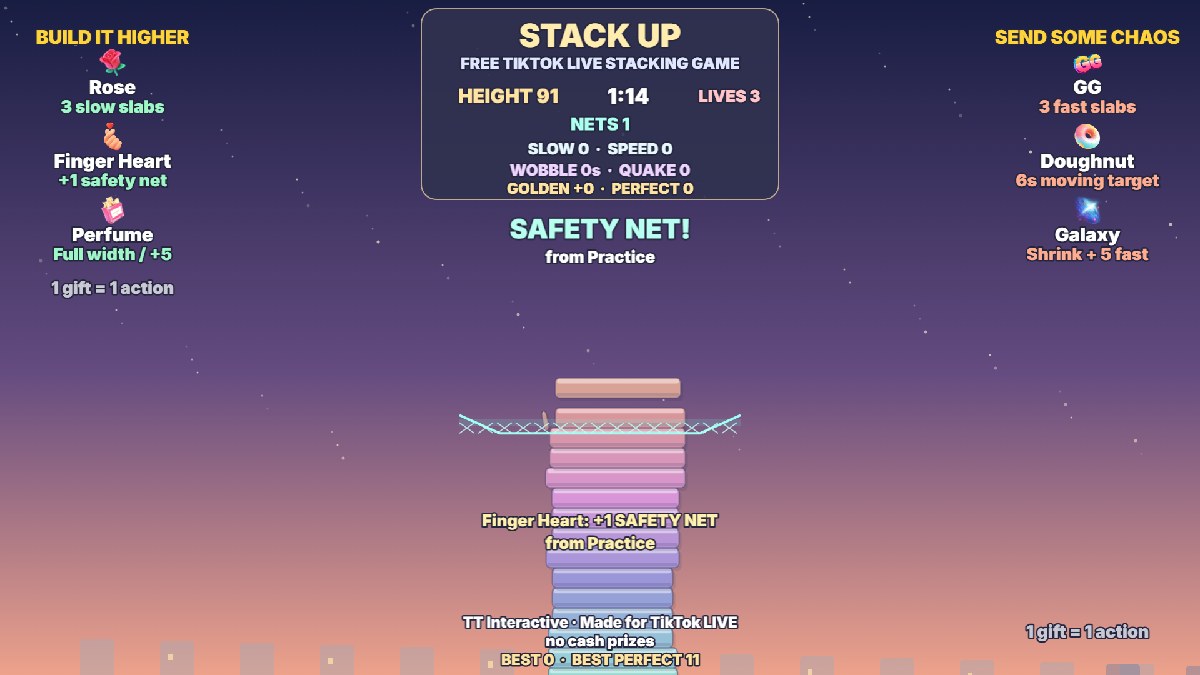
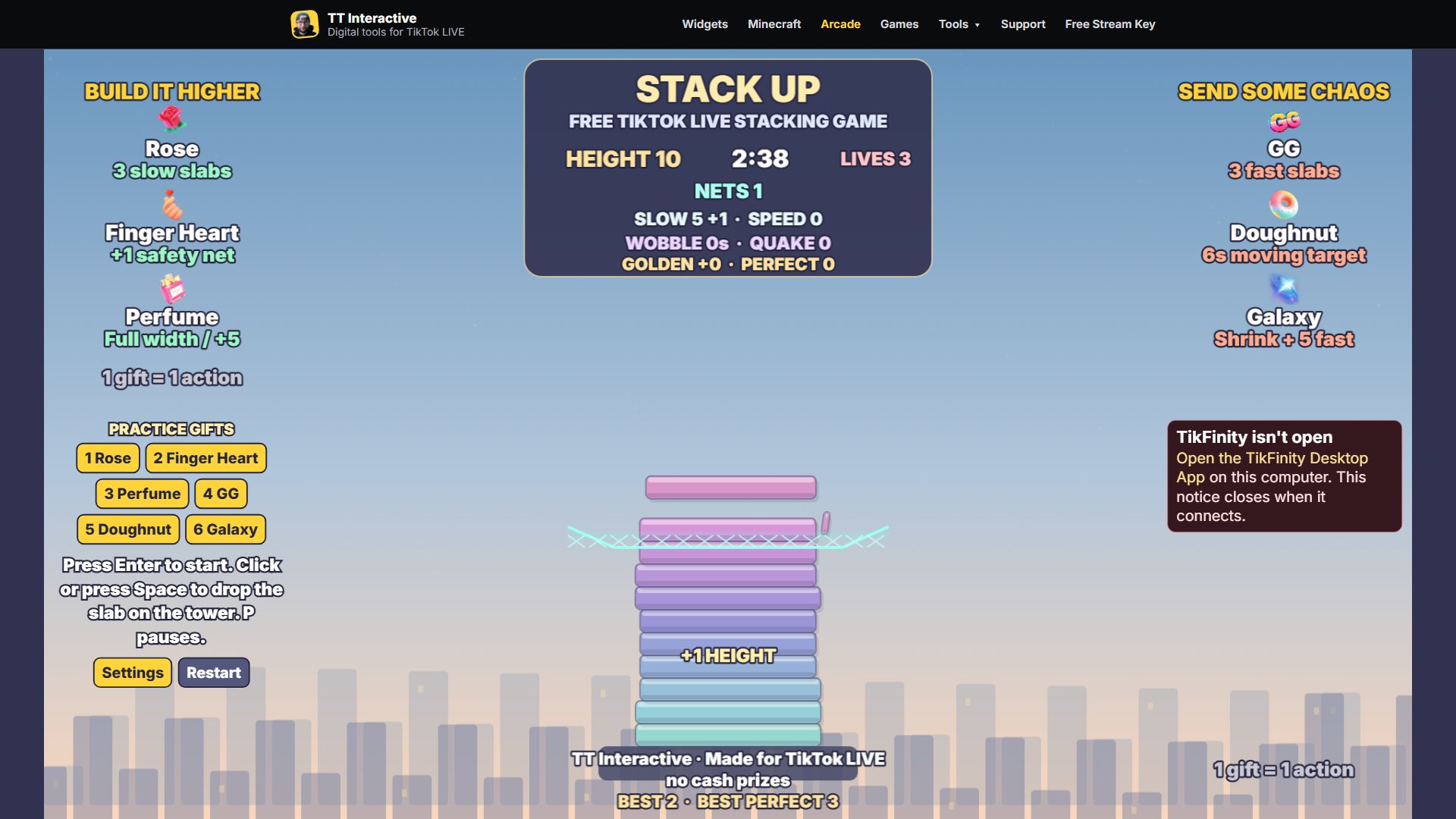
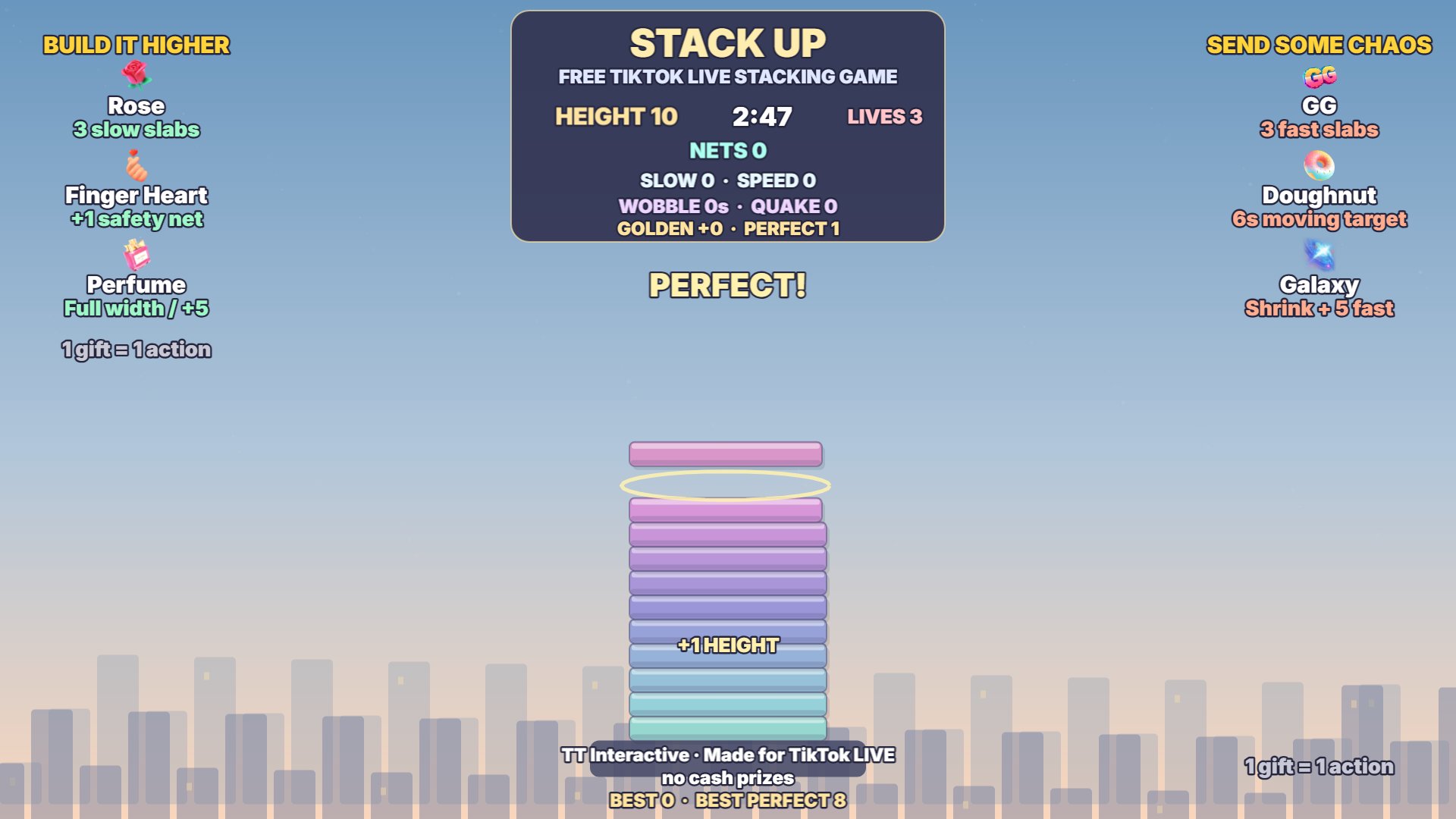
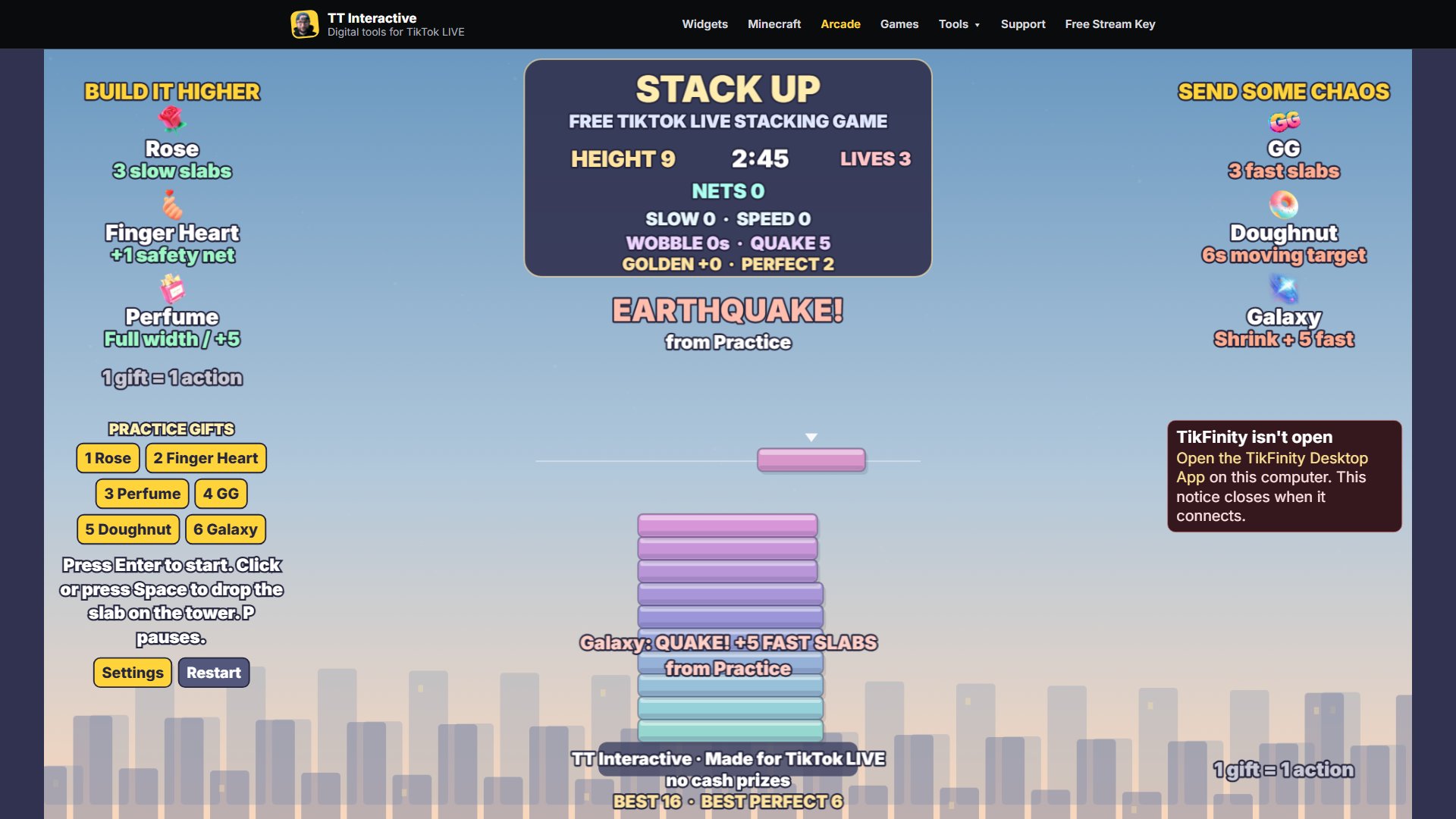
Captured from the real game using local practice gifts. All game art is drawn in code.
Ready For Stream
Try it with practice gifts, pick your gifts in Settings, then copy the overlay link into OBS before your next TikTok LIVE.
New to TikFinity? Create your new account through Harry's affiliate link and the 20% discount is applied automatically at signup. No code needed.
Quick answers before you go LIVE.
Yes. Stack Up is free to play in your browser, with no account or checkout.
You, the streamer. Click, tap or press Space. Viewers send gifts to help or hinder. Use Interact when playing in a browser source.
Three minutes, or until all three lives are gone. Results restart after eight seconds, or press Enter.
It shrinks the current moving slab by 40%, down to a minimum of 40 pixels, and queues five faster slabs. A big earthquake banner names the sender. Extra Galaxies add fast slabs while speed stays within a safe limit.
Keep the TikFinity Desktop App open and connected for real gifts. Local practice gifts work without TikTok or TikFinity.
Use /arcade/stack-up/?overlay=1 for defaults, or copy the link from Settings to include your gift choices. The overlay hides the site menu and practice buttons.
They show a notice naming the gift and sender, then wait for the next round start. On the hosted ready card, a gift also starts the round. Paused gifts still land.
Yes. Streak N means N actions. Slow, Speed, nets, golden height and quake counters stack. More Doughnuts add time and raise sway to a safe limit, then still add time. Every gift shows the sender.