
Price
Free
Play it in your browser. No account or checkout.
Star Drift is a free space shooter for your stream. Fly your ship through 3 sectors of asteroids and raiders, then take on the Void Warden mothership. Your viewers' gifts add wing drones, a shield and a mega laser, or send in more asteroids, an asteroid storm and the mothership itself.
The short version, so you know if it fits your stream.
Price
Free
Play it in your browser. No account or checkout.
Round
Up to 5 minutes
A round ends when you beat the Void Warden, run out of lives or reach 5 minutes. The next one starts 12 seconds after the results.
Who plays
You, the streamer
Fly the ship with the mouse, or W A S D or the arrow keys. It fires by itself.
Viewers
6 gift actions
3 help the ship and 3 hinder it. 1 gift = 1 action, and every gift always does something.
Needs
TikFinity Desktop App
Open and connected for real gifts. Practice gifts work without TikTok.
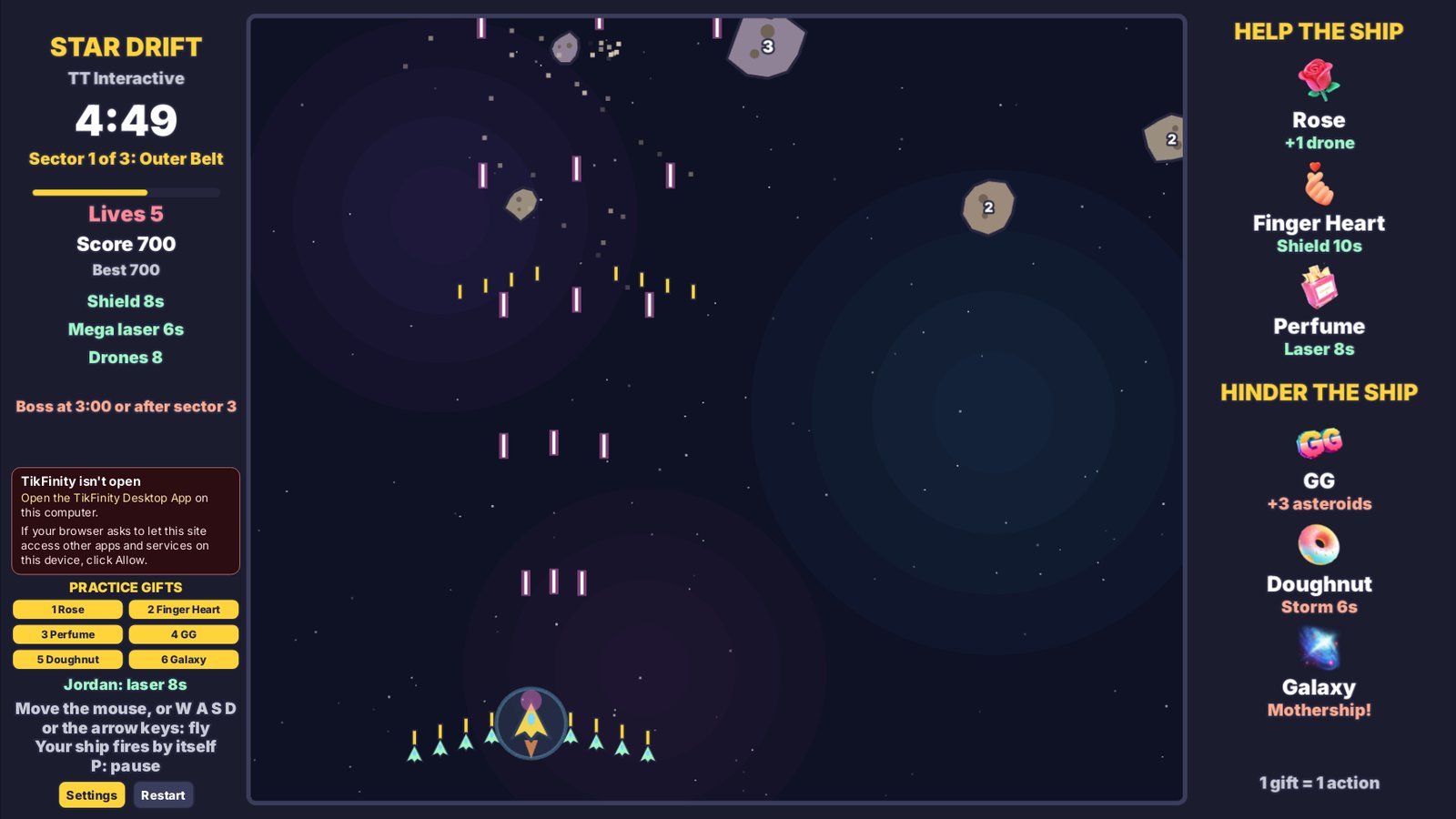
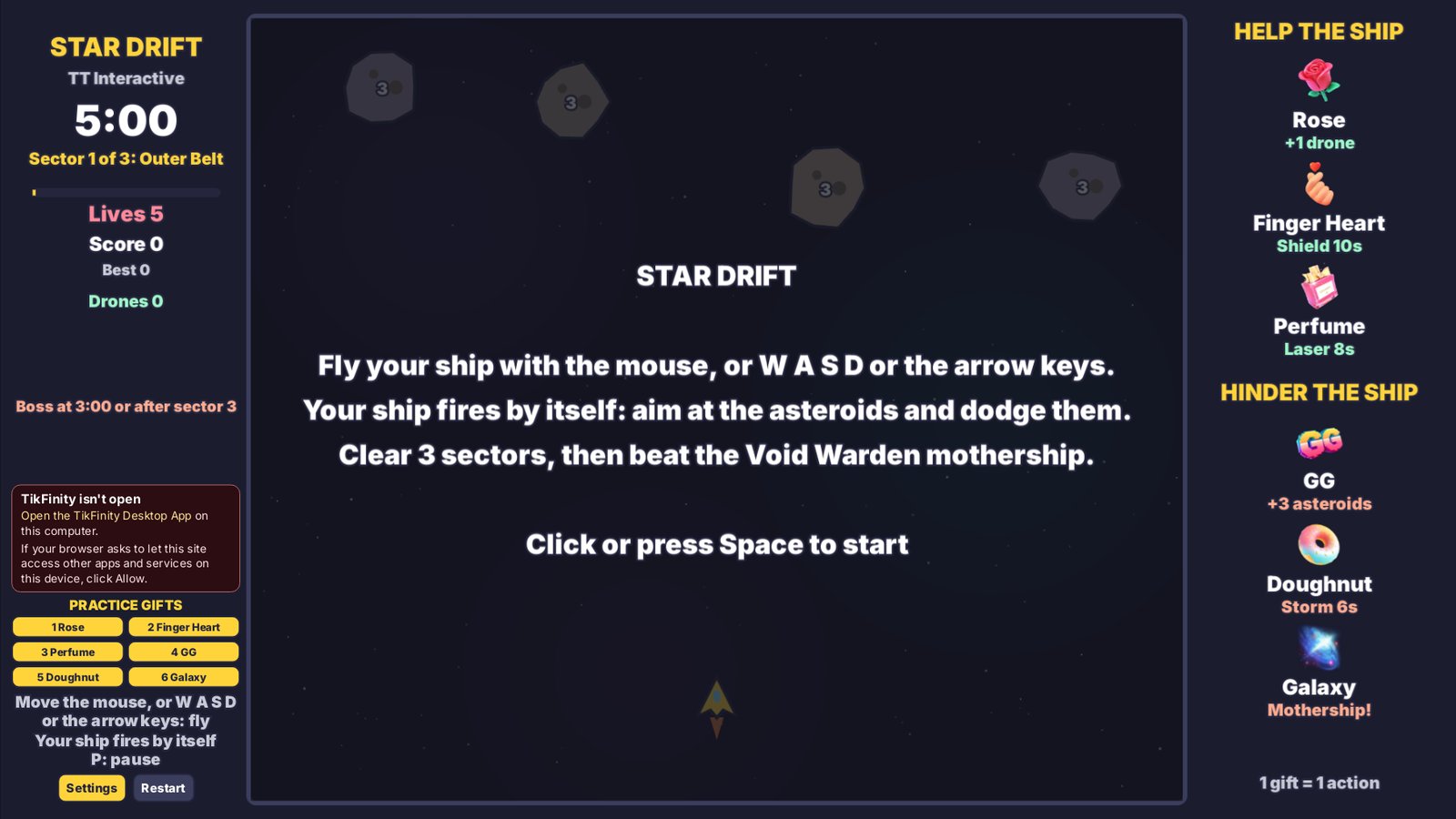
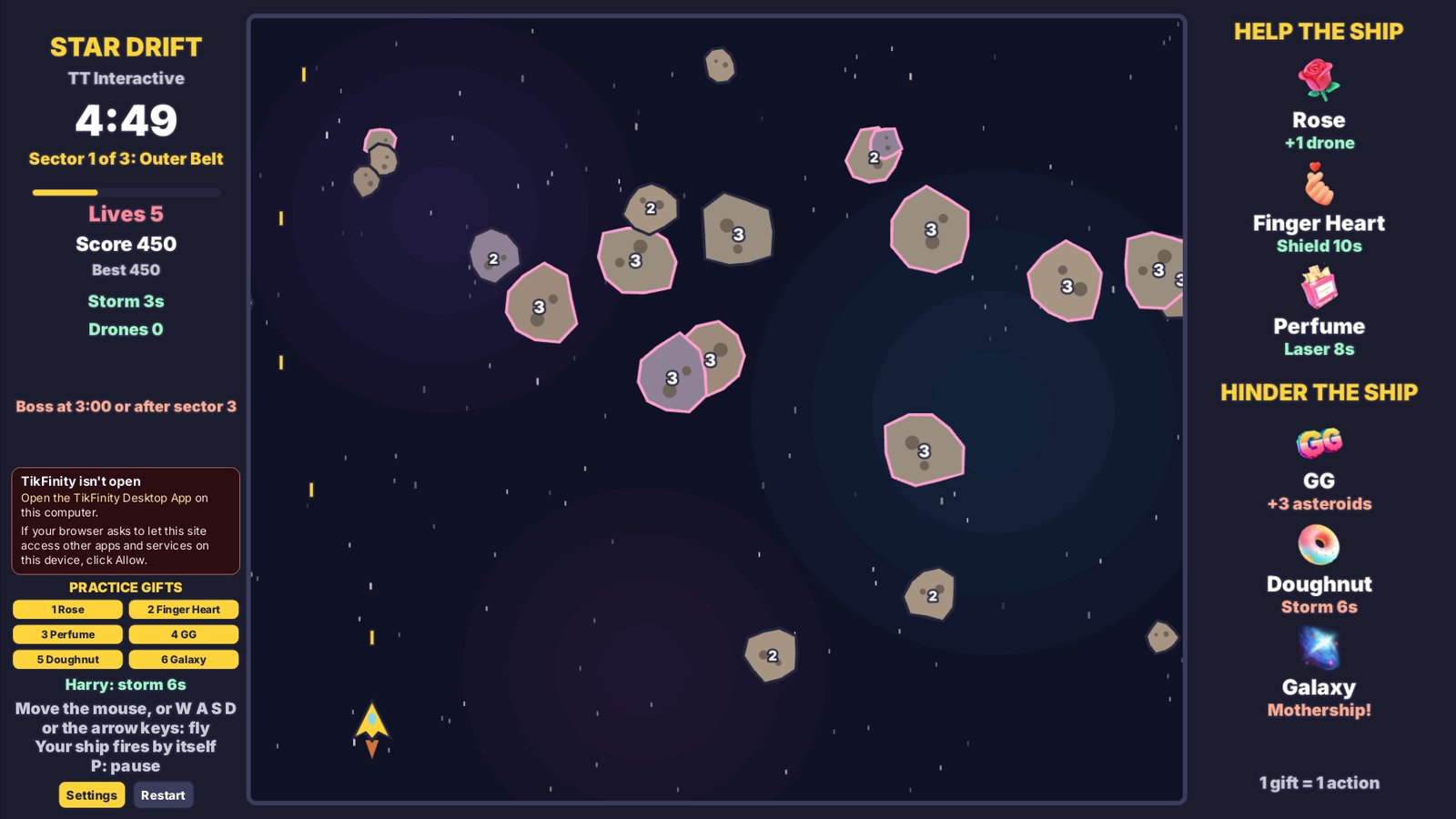
Star Drift is a space shooter. You fly a small ship around the lower part of the screen while asteroids drift down from the top. Move the mouse over the game and the ship follows it, or use W, A, S and D or the arrow keys. The ship fires by itself the whole time, so all you do is aim and dodge.
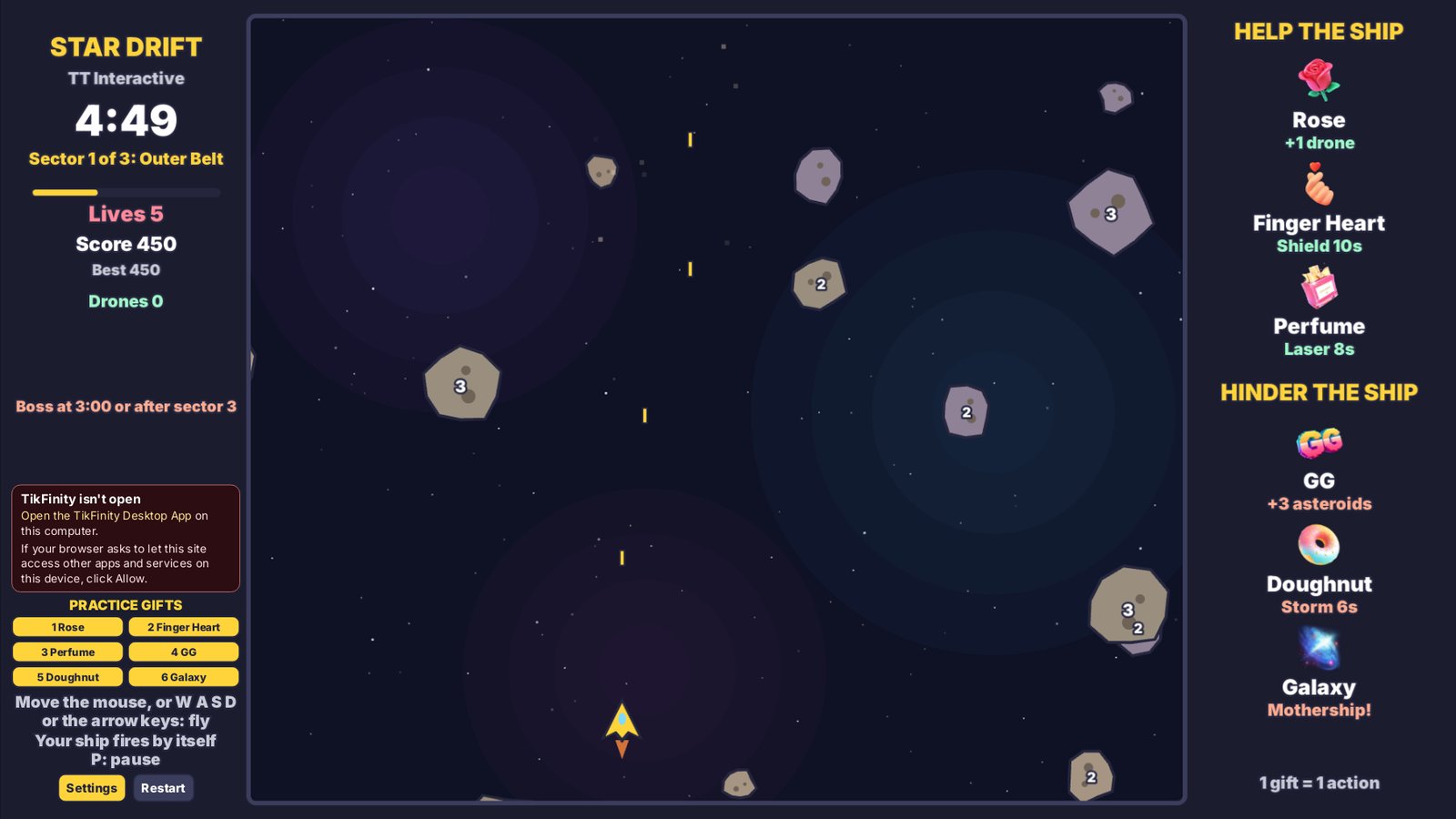
Asteroids break apart when you shoot them. A big one takes 3 hits and splits into 2 medium ones, a medium one takes 2 hits and splits into 2 small ones, and a small one breaks in 1 hit. The number on a rock shows how many hits it has left. Rocks sent by gifts have a pink outline.
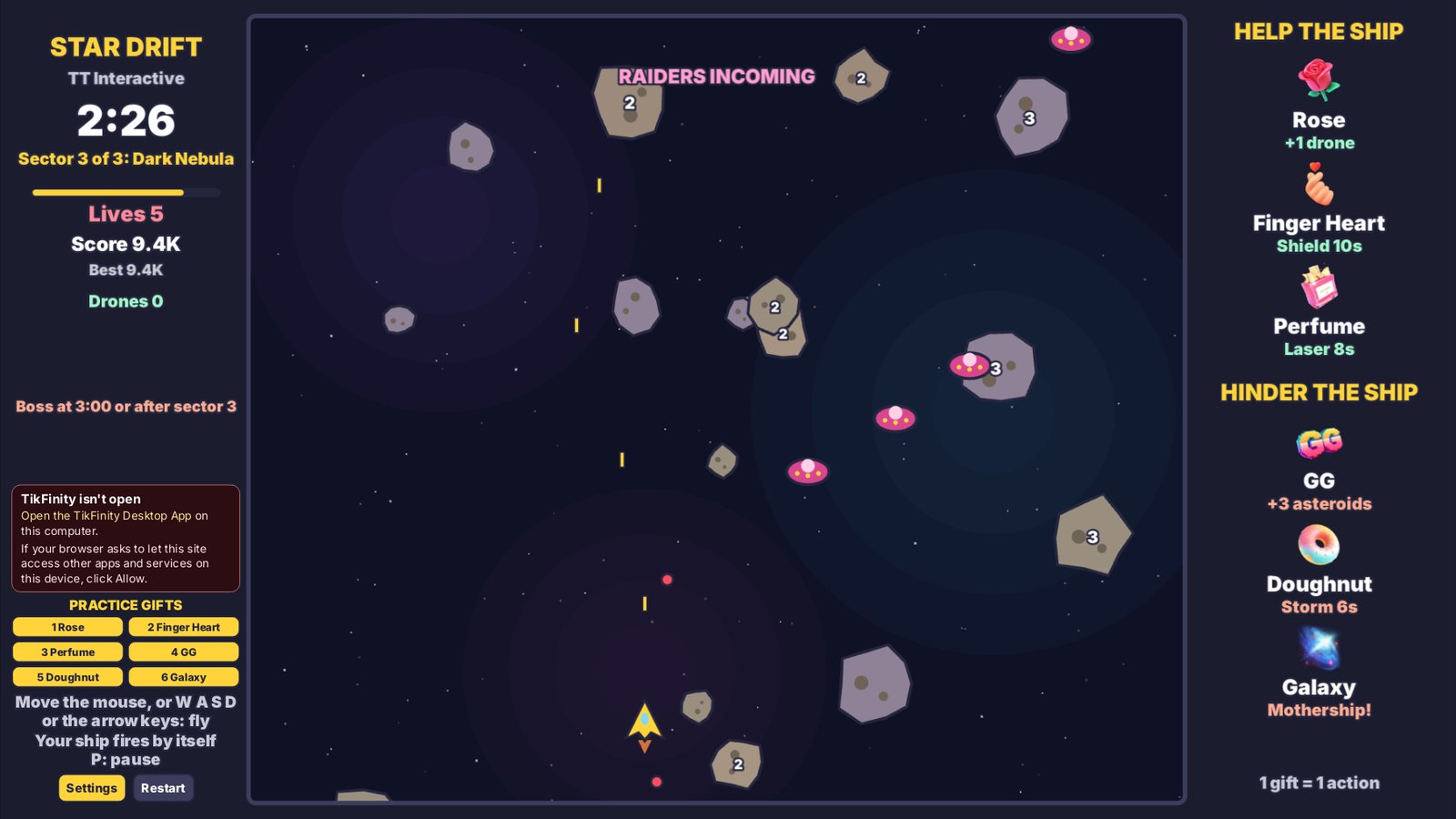
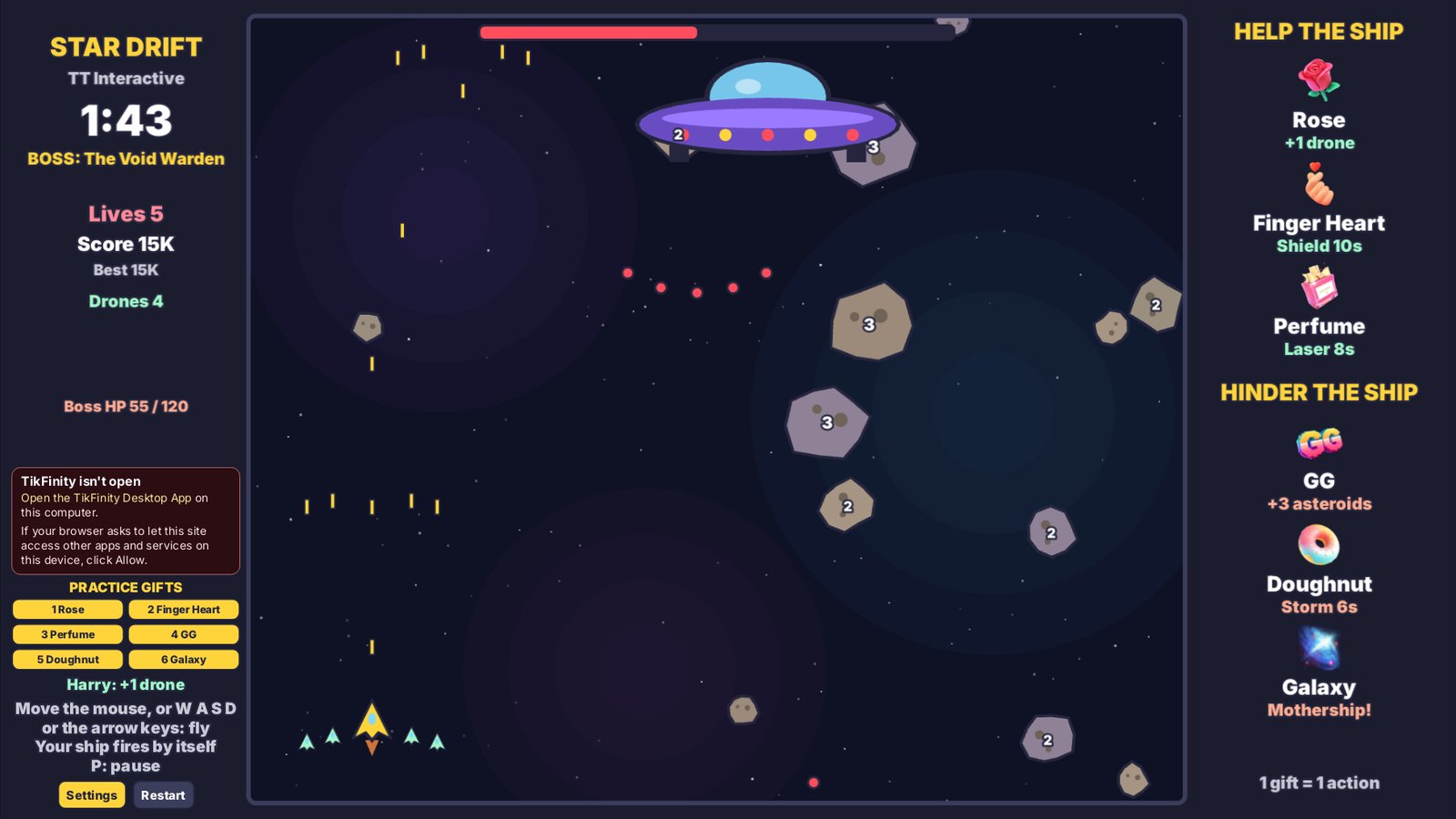
Destroy enough rocks and raiders to fly on to the next sector. There are 3: the Outer Belt, the Ion Cloud and the Dark Nebula. From the Ion Cloud on, raider ships swoop down in threes and fire at you. After the Dark Nebula, or at 3:00 if that comes first, the Void Warden arrives: a huge mothership with a health bar that fires spreads of shots and drops asteroids. Empty its health bar to win the round.
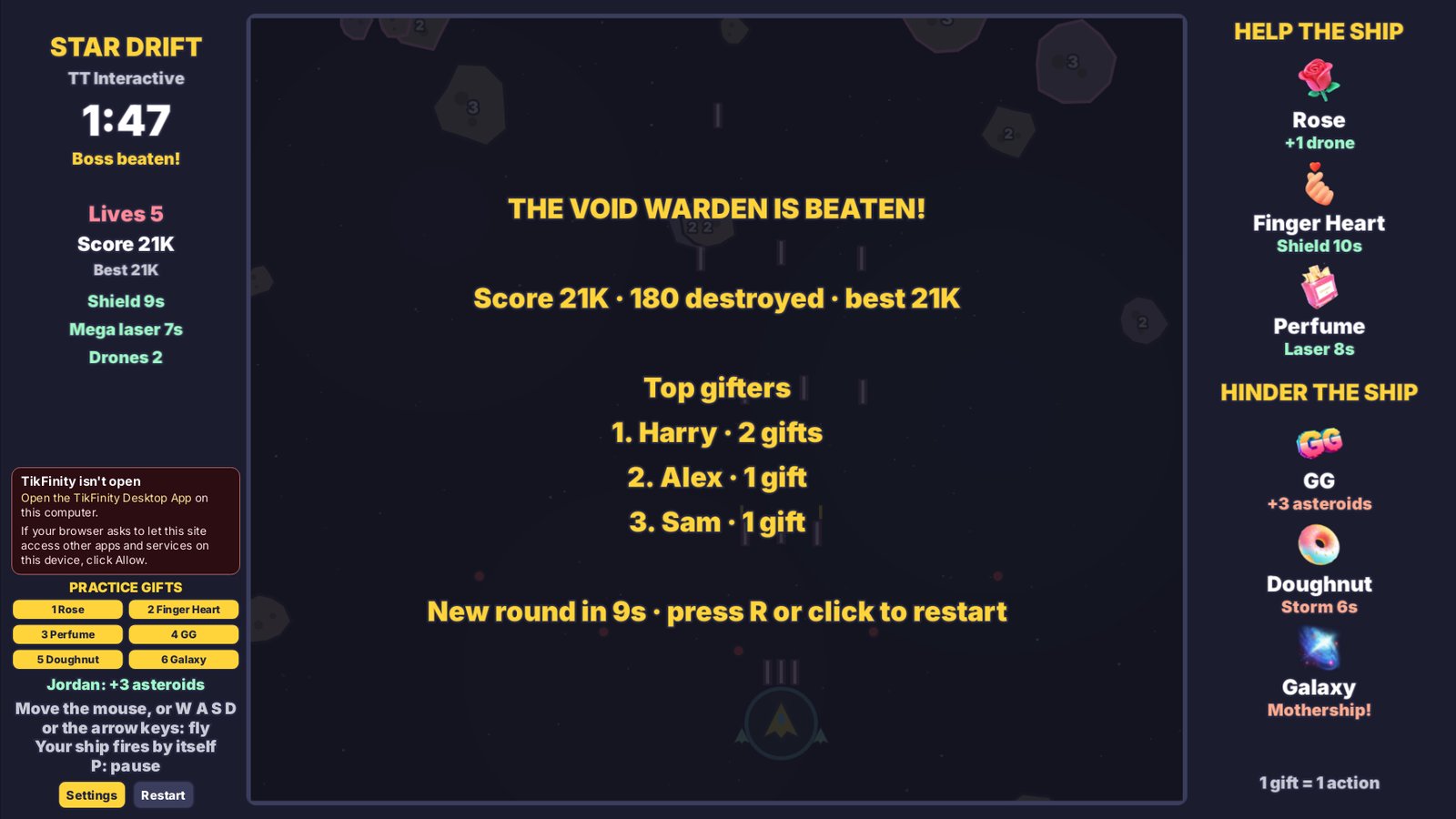
You start with 5 lives. A rock, raider or shot that hits your ship costs 1 life, then the ship flashes for 2 seconds and nothing can hurt it. Lose every life and the round ends. Every rock and raider scores points, a cleared sector adds 1,000 and beating the Void Warden adds 5,000. Your best score is saved on this computer. The gifter's name shows when their gift lands, and the results screen lists the top gifters.
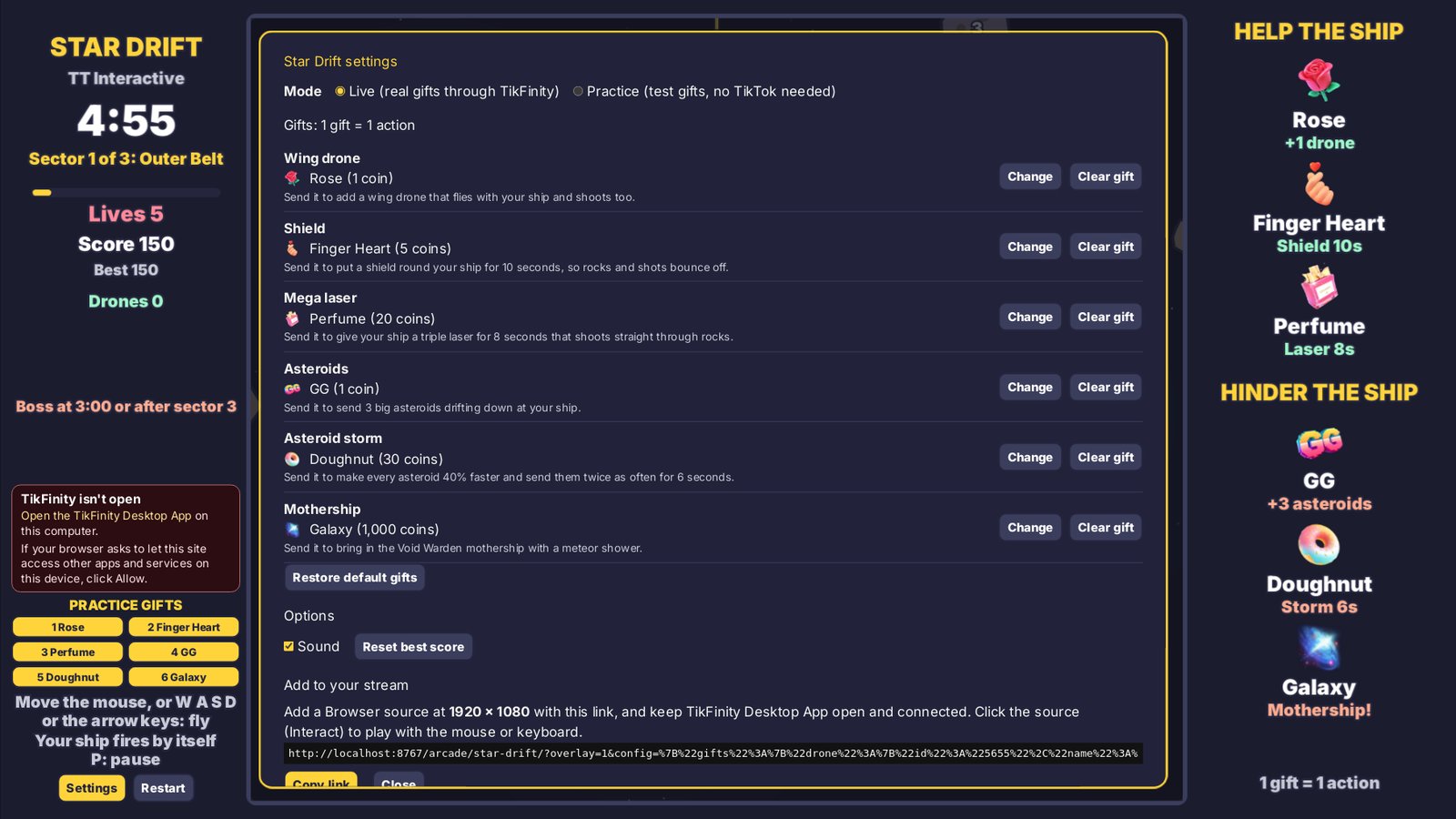
These are the default gifts. You can change any of them in Settings, and each gift can only do one thing.
| Default gift | Coins | Side | What it does |
|---|---|---|---|
| Rose | 1 coin | Help | Adds a wing drone that flies next to your ship and fires too. With 40 drones already flying, it adds 250 points instead. |
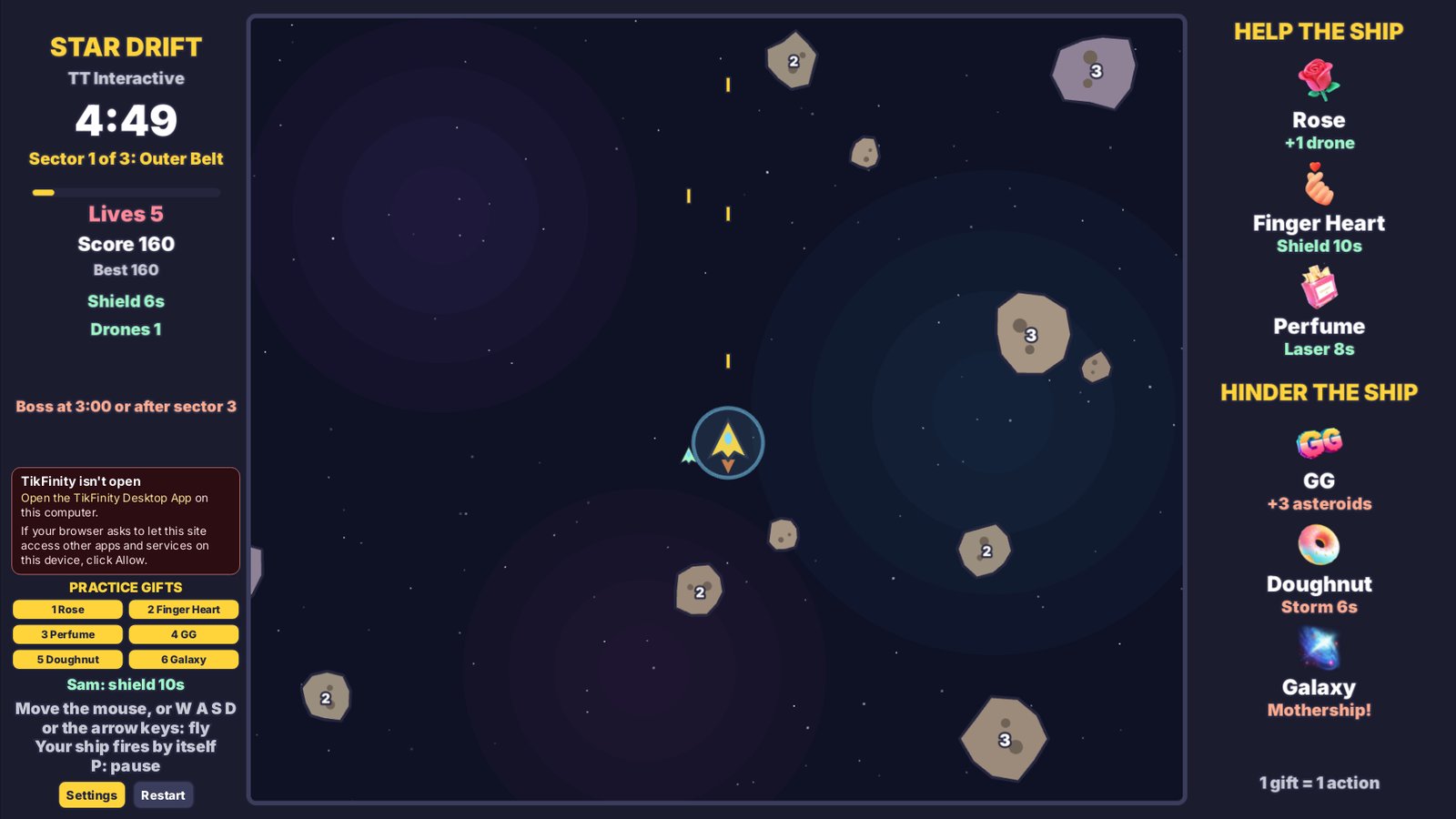
| Finger Heart | 5 coins | Help | Puts a shield round your ship for 10 seconds, so rocks and shots can't hurt you. It stacks up to 2 minutes. With the timer full, it gives you an extra life instead. |
| Perfume | 20 coins | Help | Gives your ship a triple mega laser for 8 seconds that shoots straight through rocks and hits twice as hard. It stacks up to 2 minutes, then gives an extra life instead. |
| GG | 1 coin | Hinder | Sends 3 big asteroids drifting down at your ship. With the sky full of rocks, every rock on screen gets tougher instead. |
| Doughnut | 30 coins | Hinder | Starts an asteroid storm for 6 seconds: every rock moves 40% faster and new ones arrive twice as often. It stacks up to 2 minutes. With the timer full, it sends more asteroids instead. |
| Galaxy | 1000 coins | Hinder | Starts a meteor shower and brings in the Void Warden mothership straight away. If it is already here, it gains 40 health, and if you have beaten it this round, the meteor shower still lands. |
Gift streaks count every gift, so a streak of 5 Roses adds 5 wing drones. No gift is ever wasted: if its normal effect can't happen, it does the fallback shown here, and the banner names what it did. Big combos land straight away, even a streak of thousands, and gifts sent during the results screen land at the start of the next round. Lives, score and boss health have no real limit. Likes and comments do nothing in Star Drift.
Every round starts in the Outer Belt and ends with the Void Warden, unless the clock runs out first.
Mouse or keyboard. On the overlay, use Interact in OBS first.
| Move the mouse over the game | Fly the ship to the pointer |
| W A S D, or the arrow keys | Fly the ship |
| Click or Space | Start the game |
| P or Esc | Pause |
| R | Restart when paused or after a round |
| Shift + 1 to 6 | Send a practice gift (Practice mode) |
Using the default gifts? The plain overlay link works too:
https://wgmojo.gg/arcade/star-drift/?overlay=1
Captured from the game in practice mode, not mock-ups.
Ready For Stream
Try it with practice gifts, pick your gifts in Settings, then copy the overlay link into OBS before your next TikTok LIVE.
New to TikFinity? Create your new account through Harry's affiliate link and the 20% discount is applied automatically at signup. No code needed.
Quick answers before you go LIVE.
Star Drift is a free space shooter game for TikTok LIVE. You fly the ship and blast the asteroids, and your viewers' gifts help or hinder you through TikFinity.
Yes. You play it in your browser on wgmojo.gg with no account or checkout.
For real gifts, yes. Keep the TikFinity Desktop App open and connected to your LIVE. Practice gifts work without TikFinity or TikTok.
You do, with the mouse or the keyboard. Viewers take part through gifts, which can add wing drones, a shield and a mega laser, or more asteroids, an asteroid storm and the mothership. There are no touch or gamepad controls yet.
No. Your ship fires by itself the whole time. You only fly it: aim by moving under a rock and dodge anything coming at you.
Up to 5 minutes. A round ends when you beat the Void Warden, lose your last life or reach 5 minutes. A new round starts 12 seconds after the results.
It is the boss: a huge mothership. It arrives after the third sector or at 3:00, slides along the top, fires spreads of shots and drops asteroids. Empty its health bar to win. A Galaxy gift brings it in early, or gives it more health.
It does a fallback instead, so no gift is ever wasted. For example, a Rose with 40 drones already flying adds 250 points, and a Finger Heart with the shield timer full gives you an extra life.
Yes. Open Settings on the play page and pick any gift for each action. Each gift can only do one action, and Restore default gifts puts the list back.
The overlay link shows the game at 1920 x 1080 with no site menu, buttons or practice gifts, ready to use as a browser source.
Yes. It runs in any modern browser and is light on the graphics card.