
Price
Free
Play in your browser. No account or checkout.
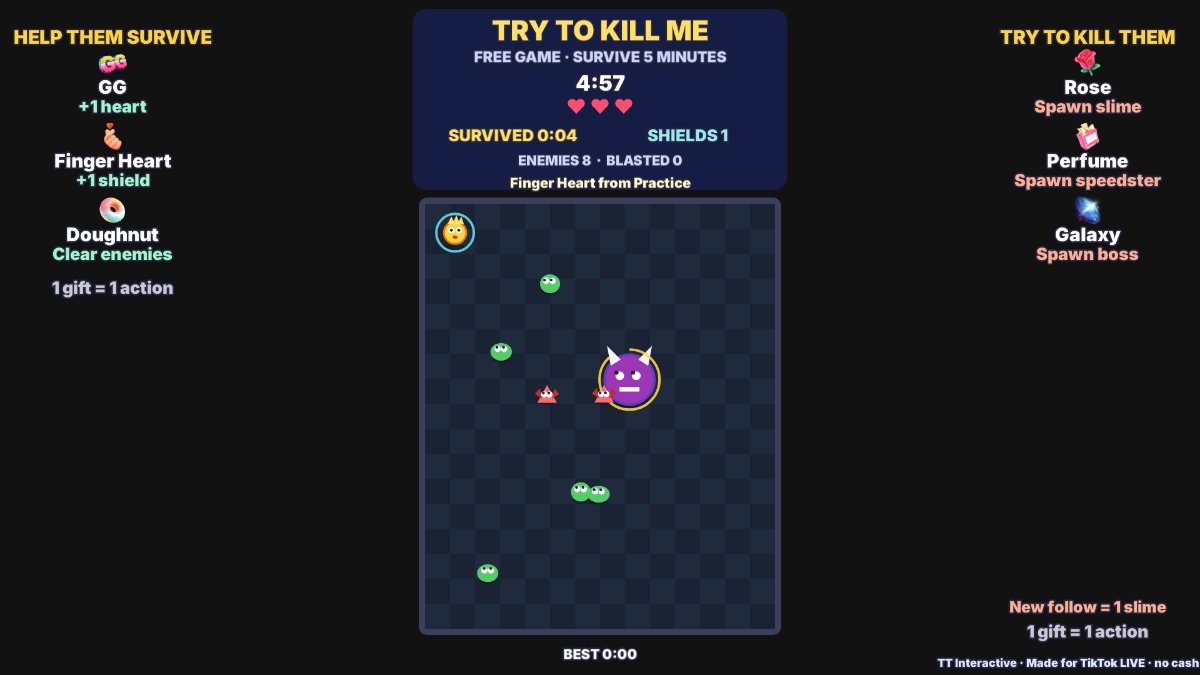
Try To Kill Me is a free survival game for TikTok LIVE. You move your hero around an arena and dodge every enemy for five minutes. Viewers try to kill you by spawning slimes, speedsters and bosses, or help you with extra hearts, shields and blasts that clear the arena.
Inspired by Vampire Survivors.
The short version, so you know if it fits your stream.
Price
Free
Play in your browser. No account or checkout.
Round
Survive 5 minutes
Start with 3 hearts. Results restart automatically after 8 seconds, or press Enter.
Who plays
You, the streamer (keyboard or mouse)
WASD or the arrow keys move. Holding the mouse moves you towards the pointer.
Viewers
6 gift actions
3 help and 3 hinder, plus an optional slime for each new follower. One gift is one action, whatever its coin value.
Needs
TikFinity Desktop App
Open and connected for real gifts. Practice gifts work without TikTok.
Move with WASD or the arrow keys, or hold the mouse where you want to go. P or Esc pauses. Press Enter to start.
Enemies chase you around the arena. A touch costs a heart, or two from a boss. Lose all your hearts and chat wins. Survive five minutes and you win.
A few slimes wander in on their own. Everything else comes from viewers. Each enemy appears at the edge, away from you, after a short red warning. Slimes melt after 24 seconds, speedsters after 14 and bosses after 20.
GG, Finger Heart and Doughnut help. Rose, Perfume and Galaxy hinder. Each gift shows the sender, and a boss names who sent it. Results show the time survived, enemies, hits, blasts and top gifters.
These are the defaults. Change any gift in Settings. Each gift can trigger one action.
| Default gift | Coins | Side | What it does |
|---|---|---|---|
| GG | 1 coin | Help | Adds 1 heart. Hearts have no gameplay cap; above eight the HUD shows a counter. |
| Finger Heart | 5 coins | Help | Adds 1 shield. A shield blocks one hit and pops the enemy that touched you. The counter has no gameplay cap. |
| Doughnut | 30 coins | Help | Blasts every slime and speedster off the arena and stuns and knocks back bosses. Five or more at once gets a Mega Blast banner. |
| Rose | 1 coin | Hinder | Spawns a slow slime that chases the streamer. Each slime costs one heart on touch. |
| Perfume | 20 coins | Hinder | Spawns a fast speedster that chases the streamer. Each speedster costs one heart on touch. |
| Galaxy | 1000 coins | Hinder | Spawns a boss with a big banner naming the sender. A boss hits for two hearts and gives up after 20 seconds. |
One gift is one action. A streak of five Roses sends five slimes. The FIFO queue uses wall time and keeps draining while paused. The arena holds up to 60 enemies and 3 bosses at once; extra spawns wait with a visible counter and enter as room appears. Results gifts carry into the next round. Likes, comments and unknown gifts do nothing. A new follower sends one slime, once per viewer; turn this off in Settings.
Original code-drawn art, three hearts and a fresh round every five minutes at most.
Keyboard or mouse. Use Interact on the browser source in OBS or TikTok LIVE Studio first.
| WASD or arrow keys | Move |
| Hold the mouse | Move towards the pointer |
| Enter | Start or restart after a round |
| P or Esc | Pause or resume |
| Shift + 1 to 6 | Send a local practice gift on the hosted page |
Using the default gifts? The plain overlay link works too:
https://wgmojo.gg/arcade/try-to-kill-me/?overlay=1
Captured from the real game using local practice gifts.
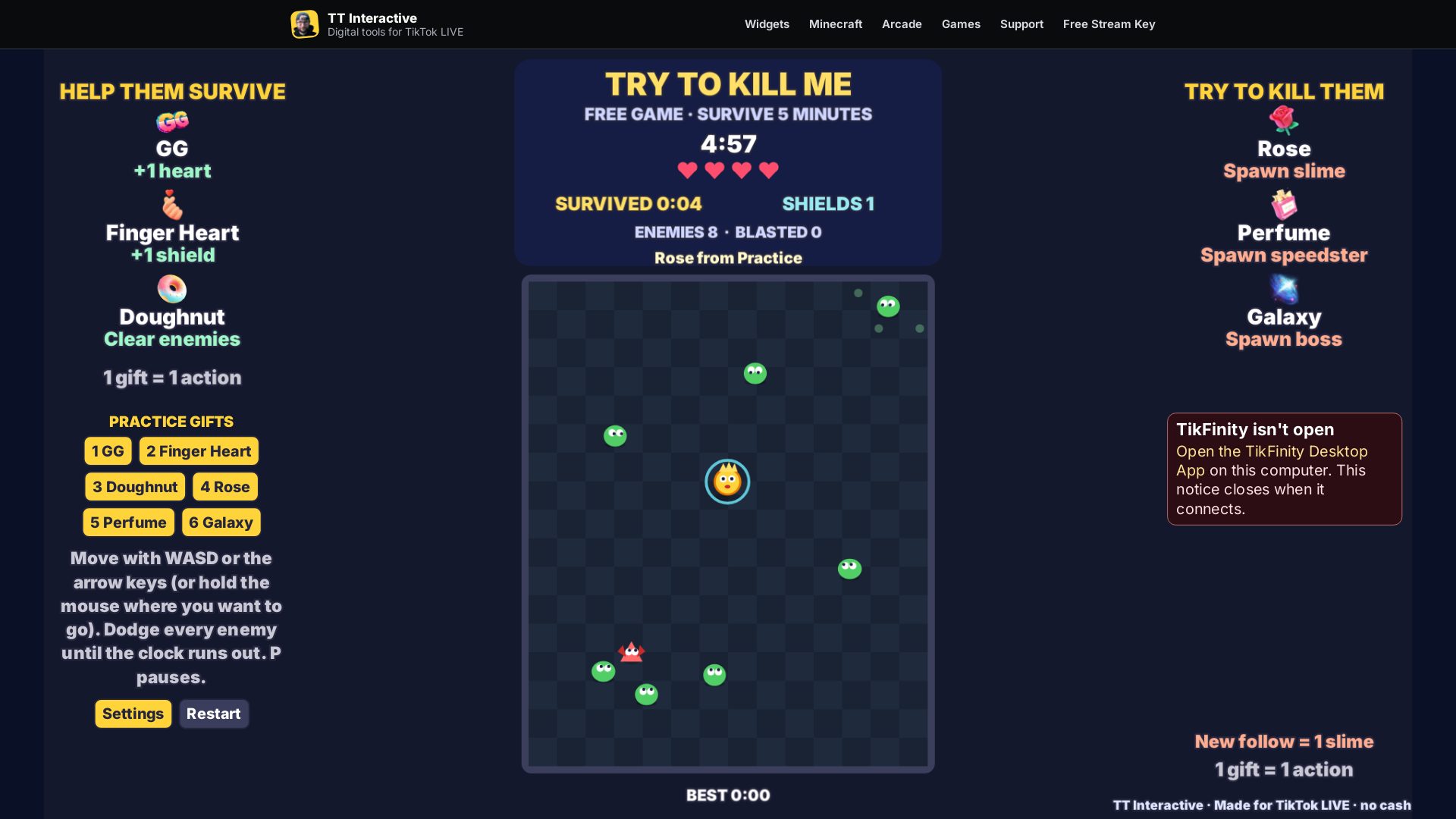
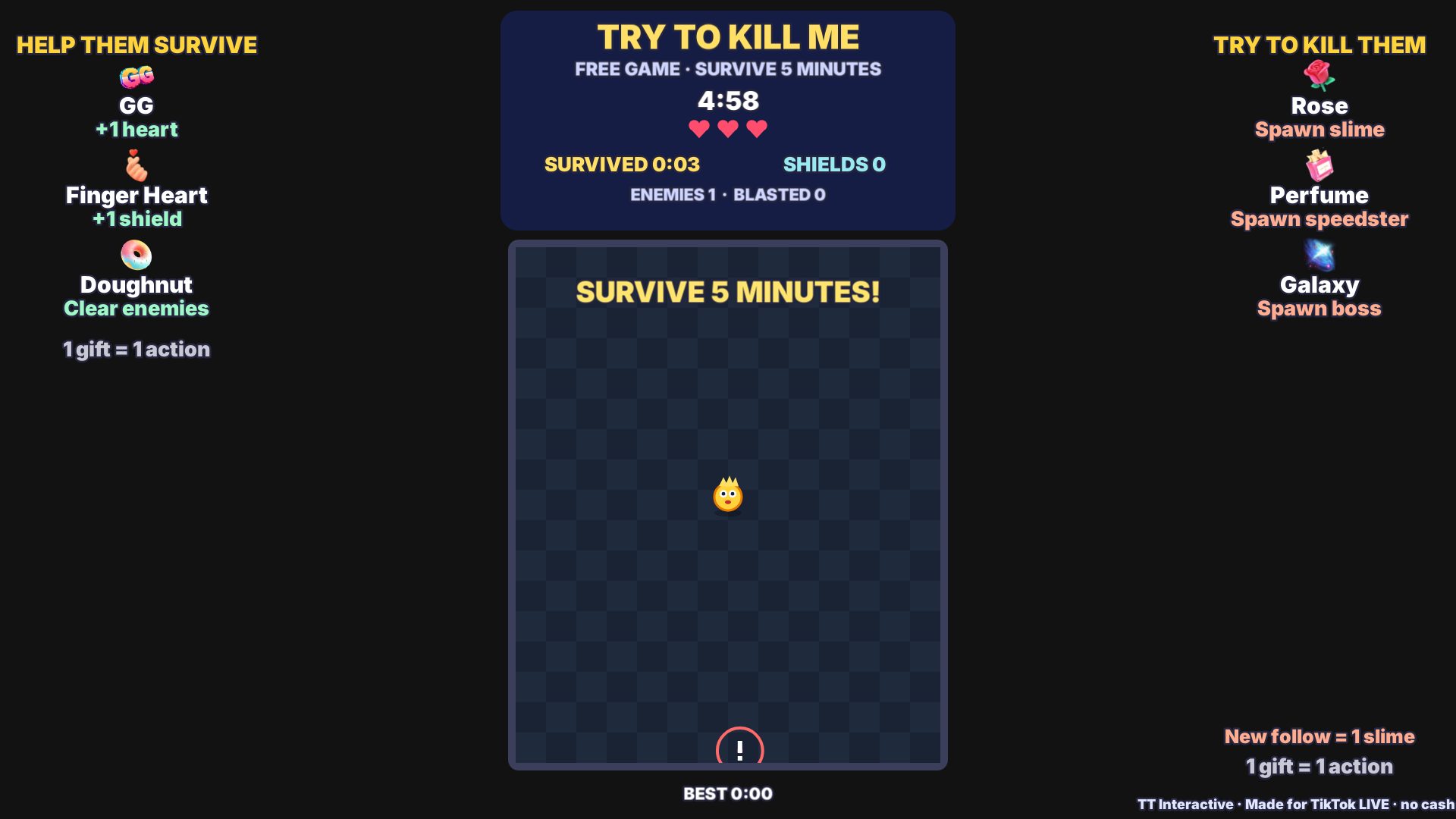
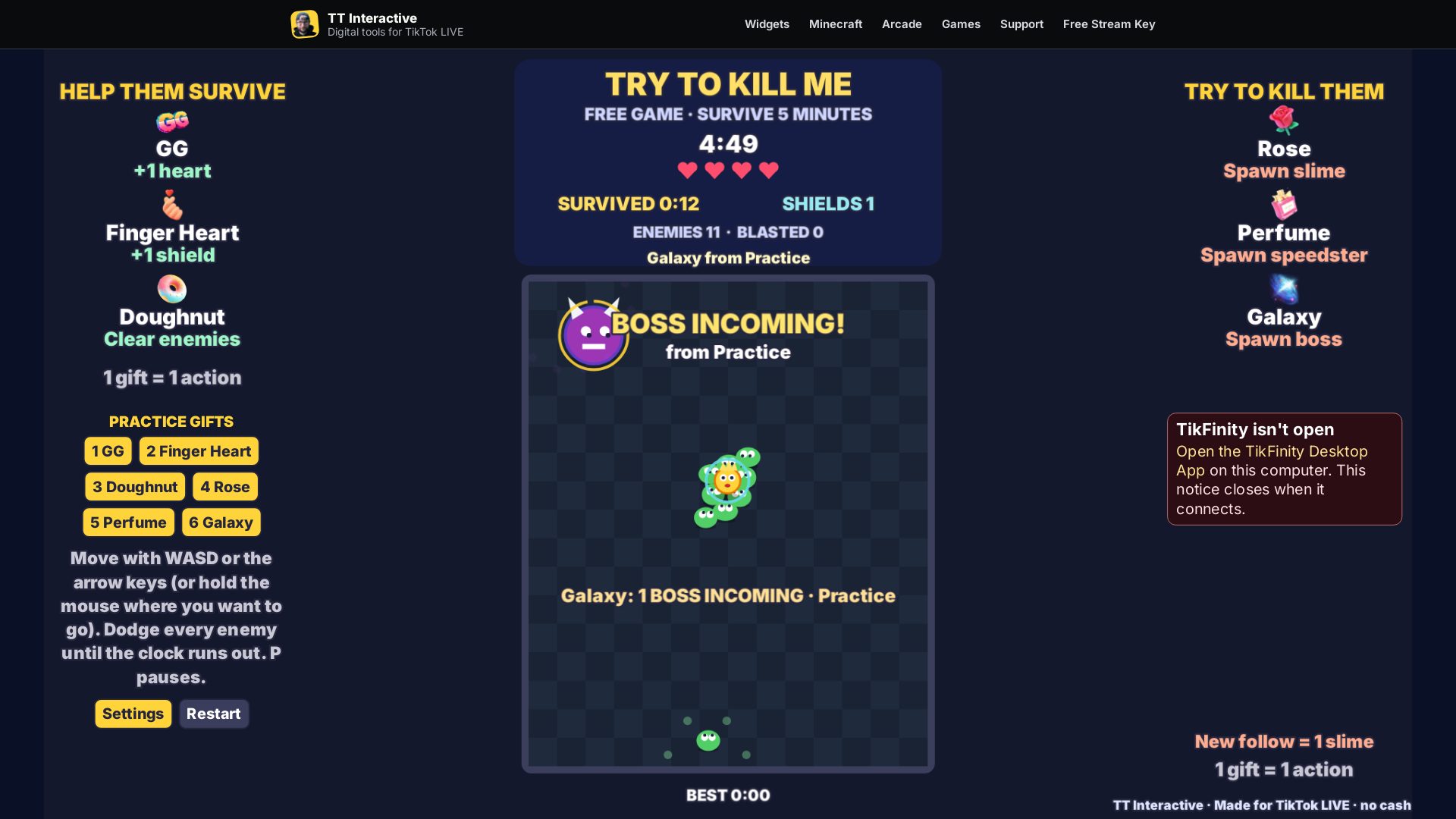
Ready For Stream
Try it with practice gifts, pick your gifts in Settings, then copy the overlay link into OBS before your next TikTok LIVE.
New to TikFinity? Create your new account through Harry's affiliate link and the 20% discount is applied automatically at signup. No code needed.
Quick answers before you go LIVE.
Yes. Try To Kill Me is free to play in your browser, with no account or checkout.
You, the streamer. Move with WASD, the arrow keys or by holding the mouse. Viewers send gifts to spawn enemies or to help. Use Interact when playing in a browser source.
Five minutes, or until you lose all your hearts. Results restart after eight seconds.
It spawns a boss that chases you for 20 seconds and hits for two hearts. A Doughnut blast stuns it and knocks it back.
Keep the TikFinity Desktop App open and connected for real gifts. Local practice gifts work without TikTok or TikFinity.
Use /arcade/try-to-kill-me/?overlay=1 for defaults, or copy the link from Settings to include your gift choices. The overlay hides the site menu and practice buttons.
Each gift shows a named notice and waits for the next round. Gifts are never silently dropped.
Yes. Streak N means N actions. When the arena is full, extra enemies wait with a visible counter and come in as room appears, so every gift has a visible effect naming the gift and sender.