
Battle Zone Pack for high-energy TikTok LIVE streams
Run five competitive widgets built for duels, team pushes, math battles, and gift-powered boss damage overlays.
Requires TikFinity Desktop App and TikTok LIVE. Copy the browser source link from the hosted page into OBS, Streamlabs, Meld Studio or TikTok LIVE Studio.
Free
No checkout required
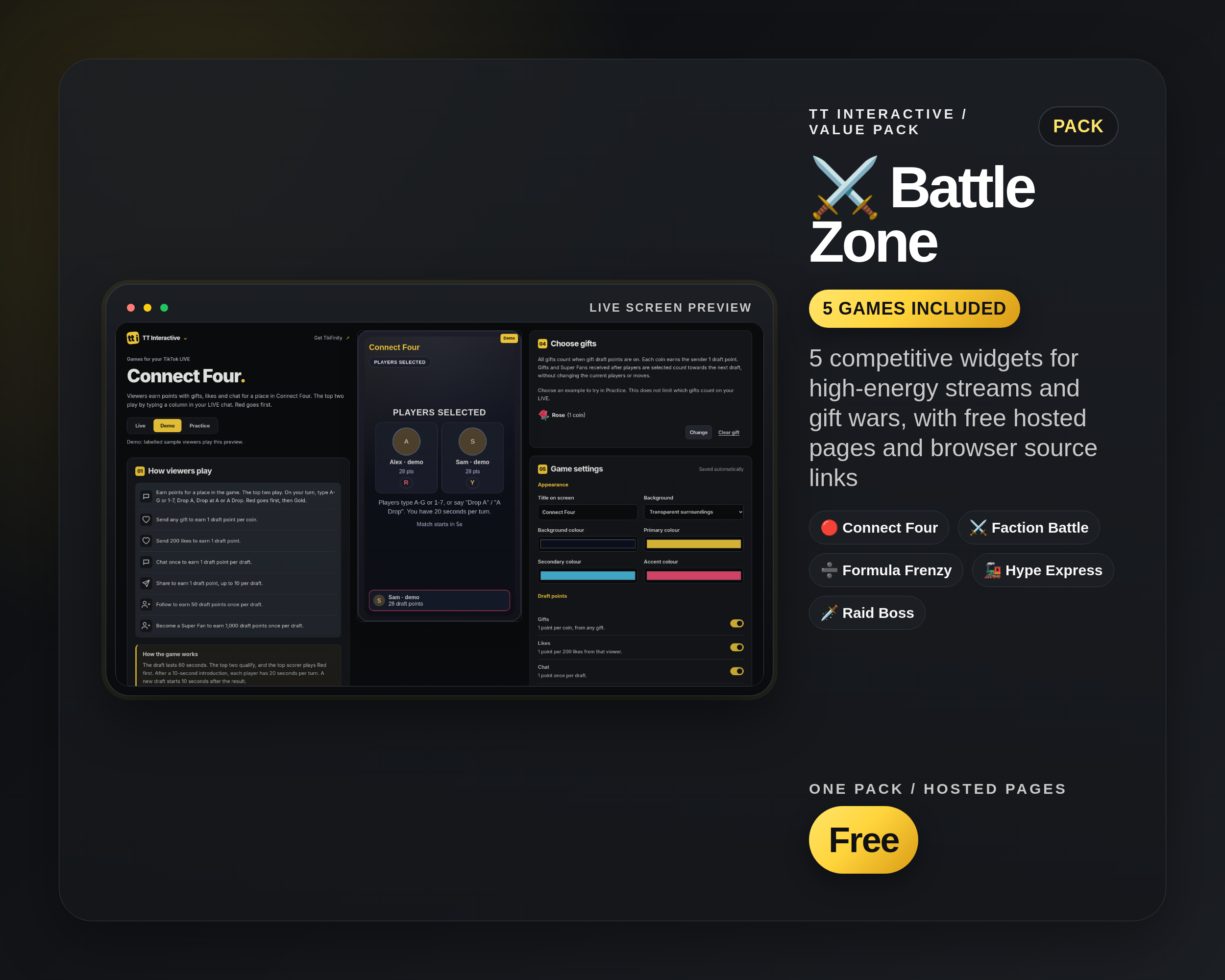
5 competitive widgets for high-energy streams and gift wars, with free hosted pages and browser source links
Included widgets
5 widgets in the Battle Zone Pack
Gift wars, rivalry rounds, co-op boss fights, and competitive stream breaks.
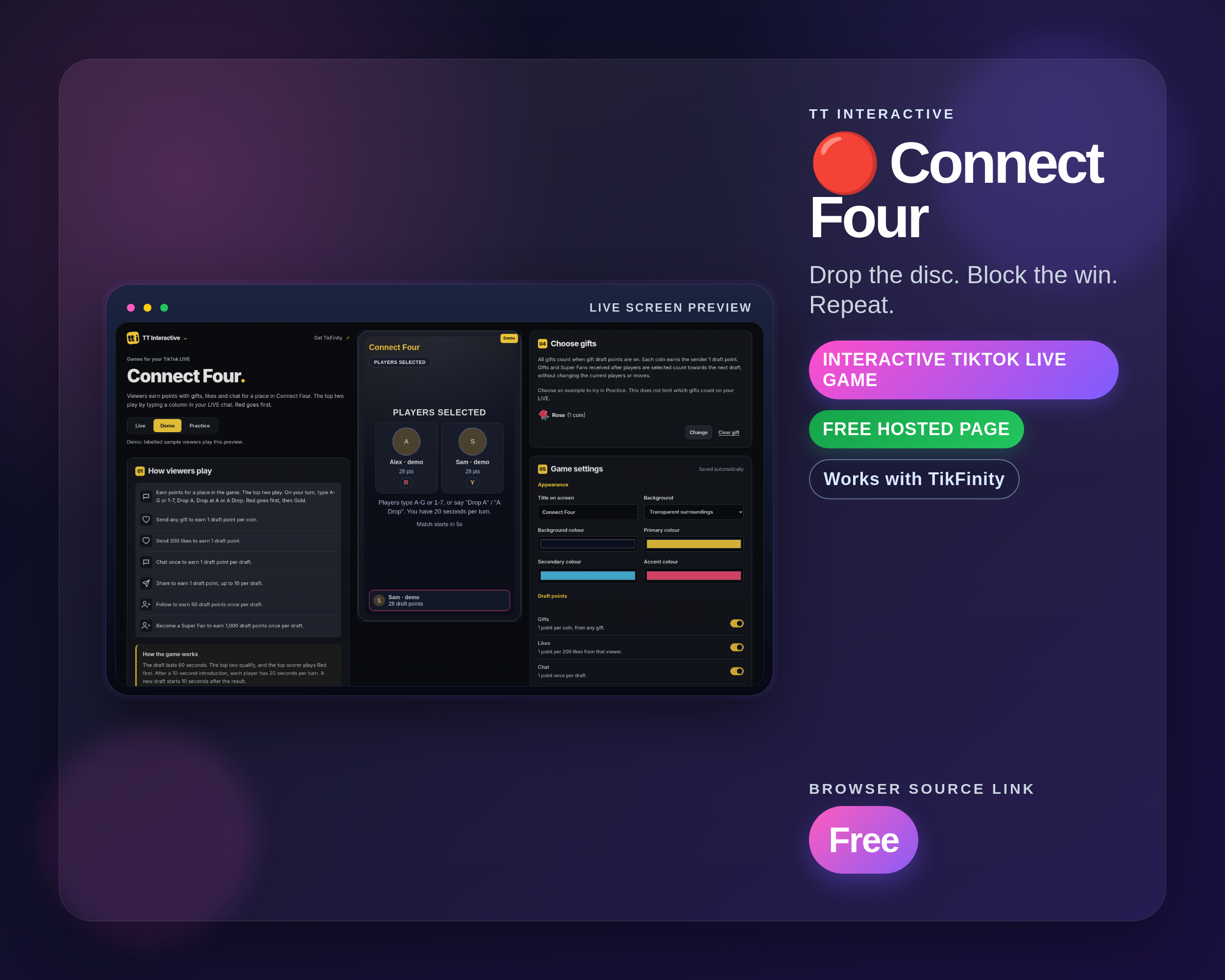
Connect Four
A head-to-head Connect Four showdown with draft-based players and timed turns. Quick games, big reactions, perfect for 1v1 rivalries.
Best for: Fast 1v1 tension
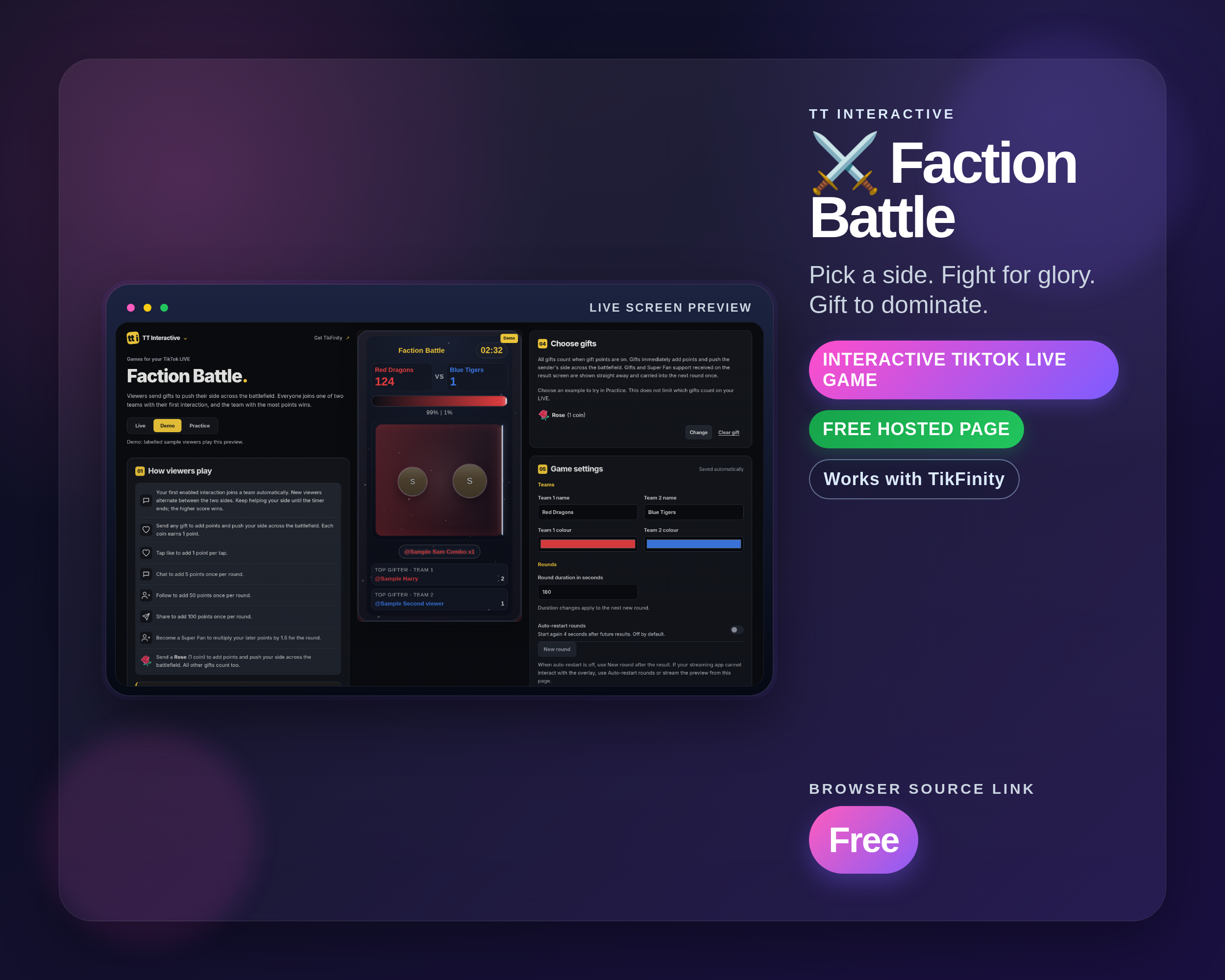
Faction Battle
A real-time team battle where viewers split into two factions and compete through gifts, likes, follows, shares and chat. Features a dramatic tug-of-war bar, combo streaks, MVP tracking, and customisable team names and colours.
Best for: Gift wars and team hype
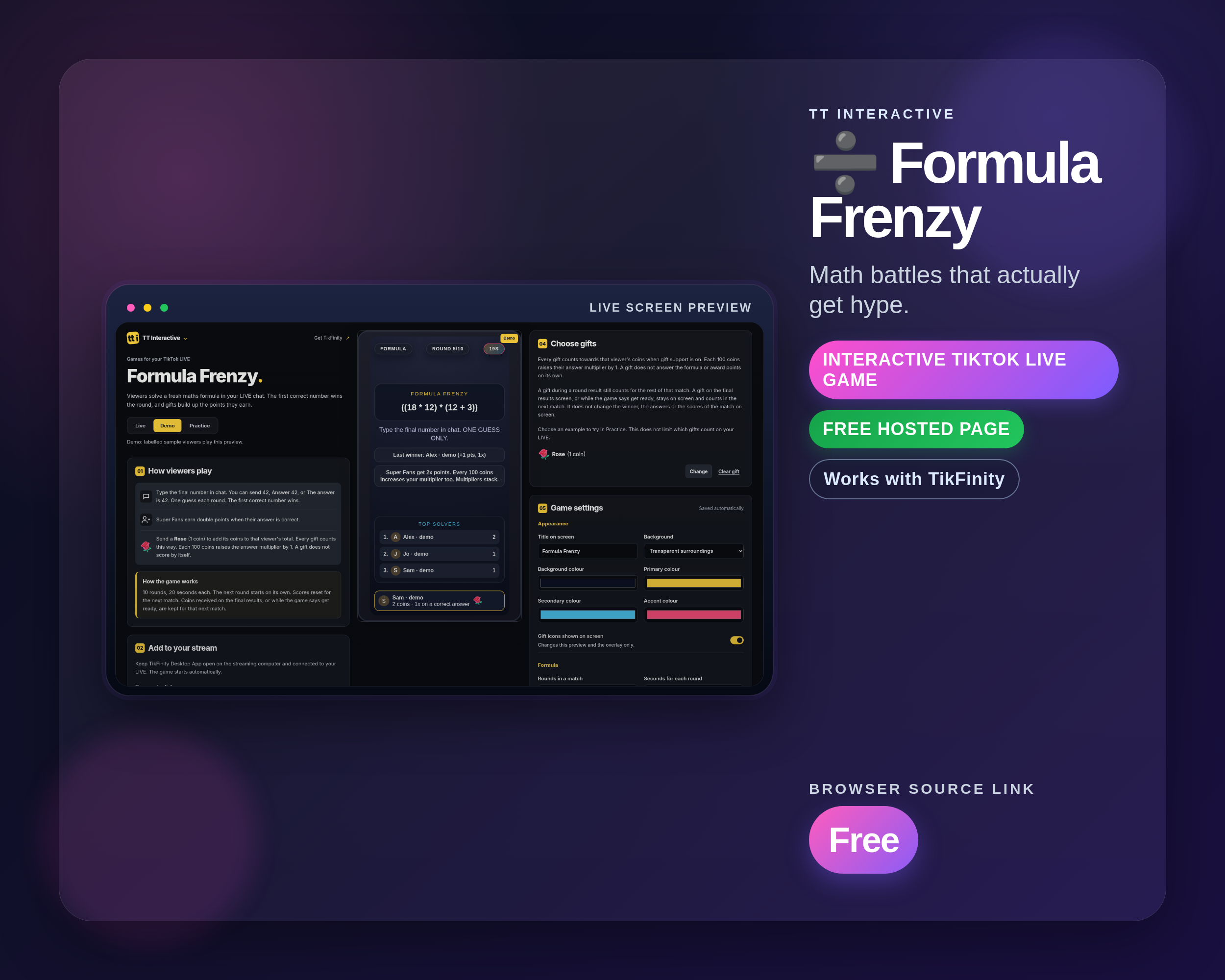
Formula Frenzy
Multi-step formula rounds where the first correct answer in chat wins, boosted by coins and Super Fans. Great for smart streams and bragging rights.
Best for: Smart streams and bragging rights
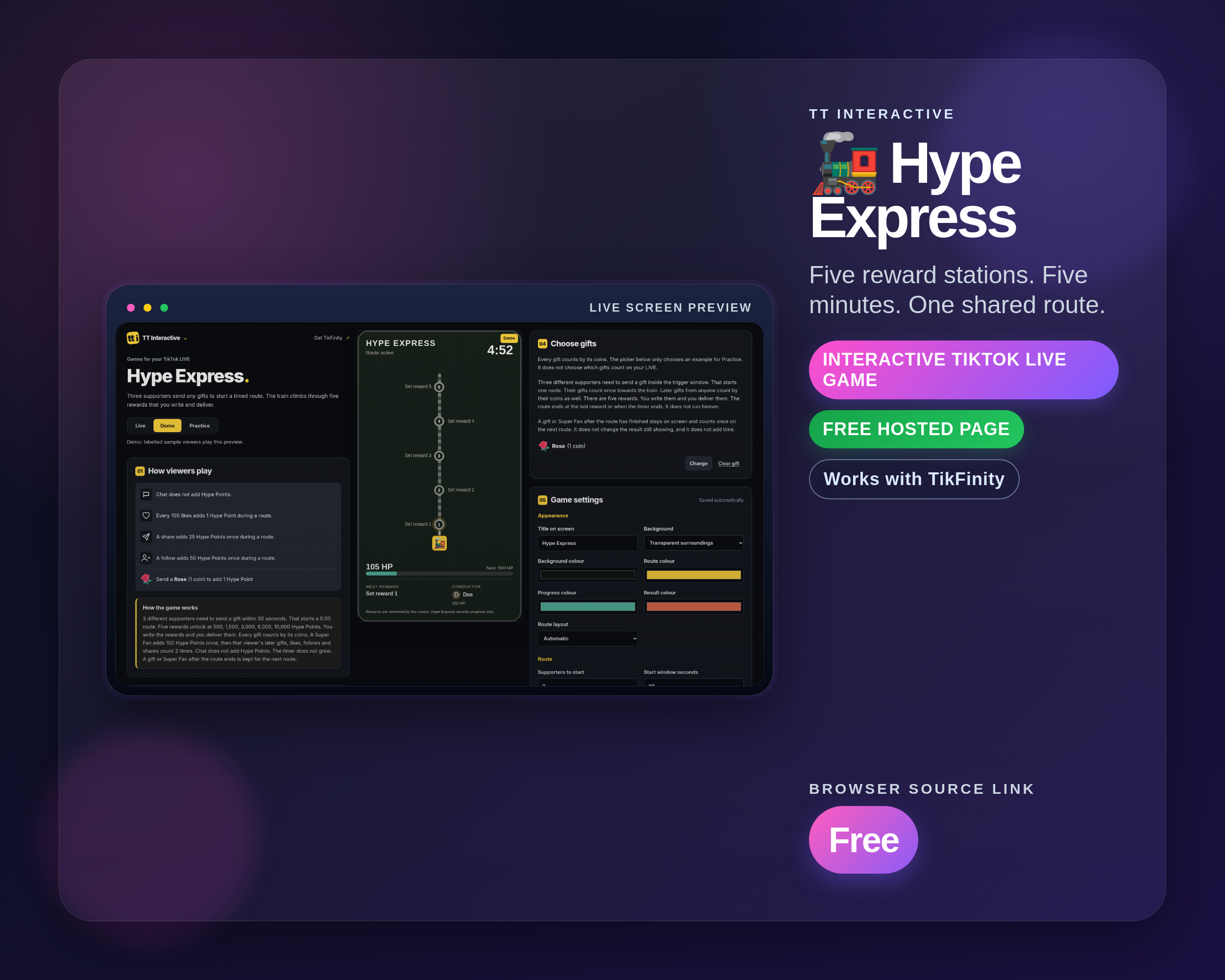
Hype Express
A timed community goal where three unique gifters start a five-station route and gifts, likes, follows, shares and Super Fan events move the train. Includes creator-written rewards, a current-run Conductor and automatic resets.
Best for: Timed community goals
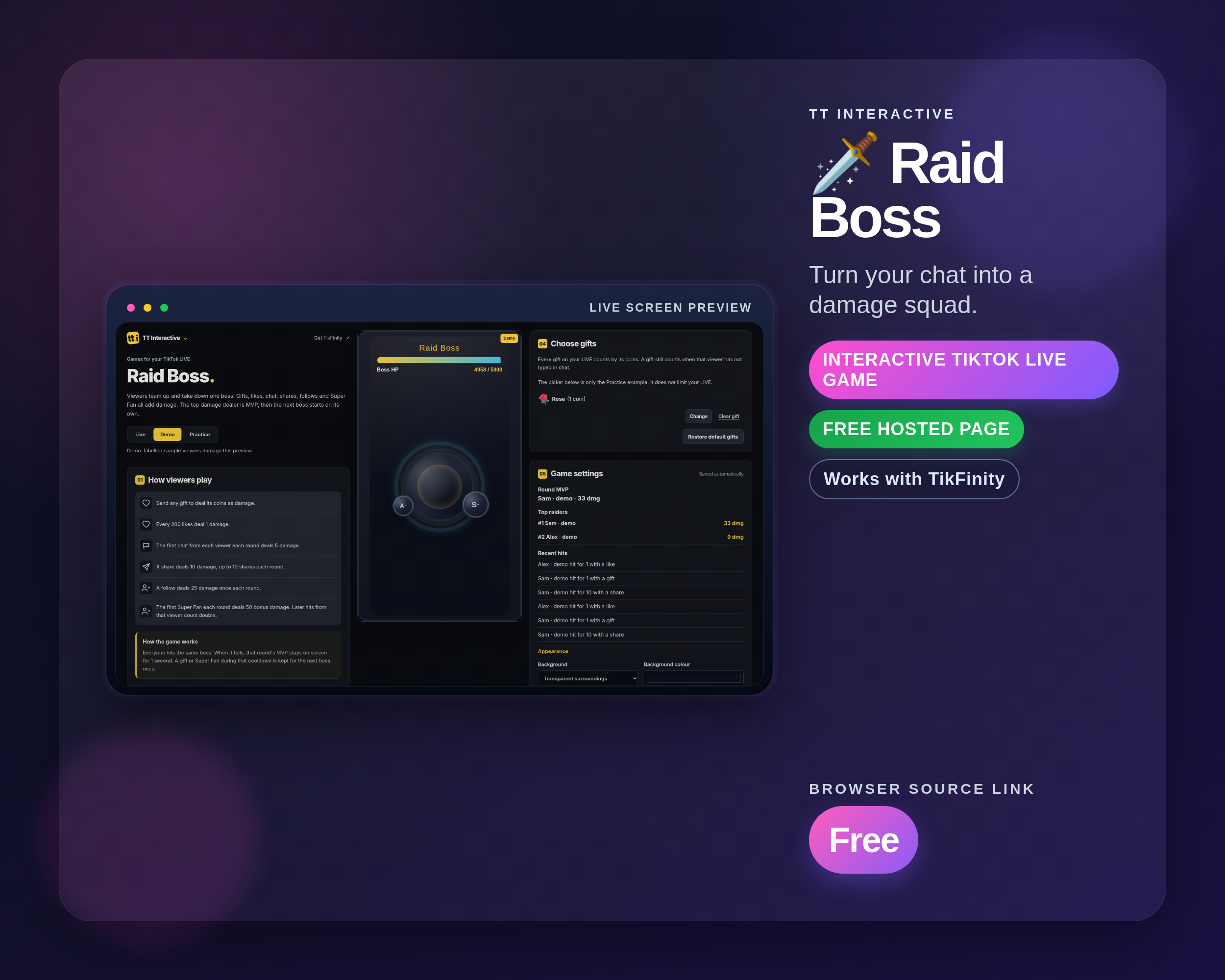
Raid Boss
An engagement overlay that converts gifts and actions into live boss damage with MVP and a leaderboard. Easy to run while you play your main game.
Best for: Always-on damage goals
Stream fit
For streams that need visible competition
Battle Zone works when you want the room to pick sides, race for a player slot, push gift momentum, or rally together against a live overlay goal.
Connects gifts, chat, likes, follows, shares, and Super Fan events.
Use with OBS, Streamlabs, Meld Studio or TikTok LIVE Studio.
Start in the free dashboard
Choose a widget from the free widget catalogue, customise it on its hosted page and copy its browser source link into your streaming app.
No email, account, access token or checkout is required.
Screenshots from included widgets
Real widget screenshots already used by the individual widget pages.


Setup and related pages
Use these pages to compare the catalogue, set up TikFinity, and plan how the pack fits your stream.
All widgets
Compare the full free widget catalogue, hosted pages and browser source links.
TikFinity setup
Connect TikFinity and prepare the overlay workflow before stream.
Widget comparison
See how TT Interactive widgets fit common TikFinity stream formats.
Interactive LIVE ideas
Use Battle Zone Pack as part of a more interactive TikTok LIVE plan.
All Widgets Bundle
Find every current widget in the free widget catalogue.
Word Wizards Pack
4 word & puzzle widgets for brain-teaser streams, with free hosted pages and browser source links.
Battle Zone Pack FAQ
Download, setup, and compatibility answers for TikTok LIVE creators.
What is included in the Battle Zone Pack?
The Battle Zone Pack includes Connect Four, Faction Battle, Formula Frenzy, Hype Express, and Raid Boss. Each included widget has its own page with screenshots, setup context, and stream tips.
Is the Battle Zone Pack free?
Yes. Open the hosted pages for the Battle Zone Pack without a checkout, email address or subscription.
Do I need TikFinity?
Which streaming apps can I use?
Copy the browser source link from the hosted page into OBS, Streamlabs, Meld Studio or TikTok LIVE Studio. Keep TikFinity Desktop App connected to your LIVE.
How do I set up a widget?
Browse the free widgets, choose a widget and set it up on its hosted page. Copy its browser source link into your streaming app.
Is the Battle Zone Pack included in the All Widgets Bundle?
Yes. The free All Widgets Bundle includes the Battle Zone Pack, the other themed packs, and the standalone widgets.