
Trivia Kings Pack for TikTok LIVE quiz nights
Run three trivia formats for whole-room answer races, drafted 1v1 duels, and survivor-style quiz nights with VIP lives.
Requires TikFinity Desktop App and TikTok LIVE. Copy the browser source link from the hosted page into OBS, Streamlabs, Meld Studio or TikTok LIVE Studio.
Free
No checkout required
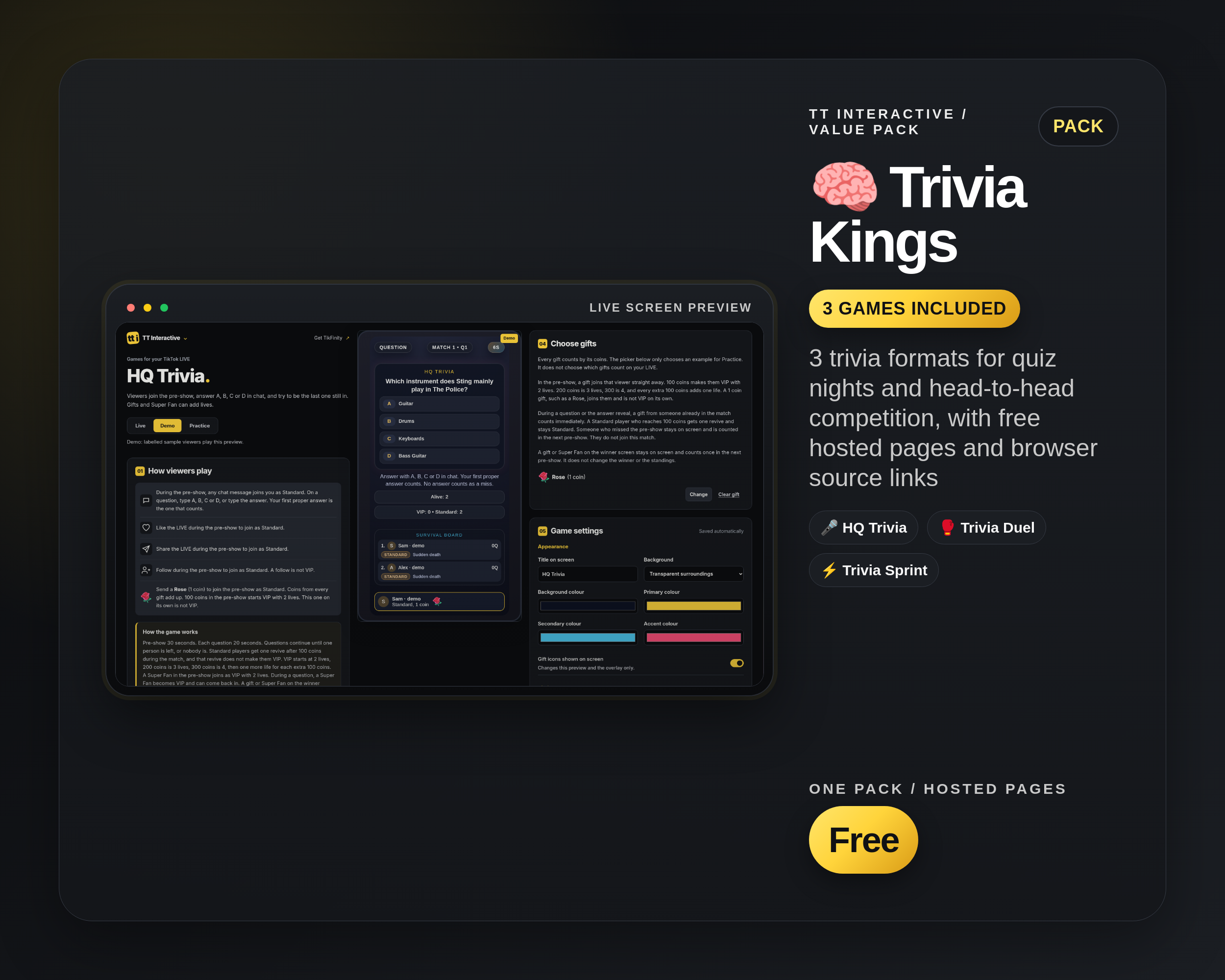
3 trivia formats for quiz nights and head-to-head competition, with free hosted pages and browser source links
Included widgets
3 widgets in the Trivia Kings Pack
Quiz nights, head-to-head trivia, VIP survival rounds, and fast A/B/C/D chat play.
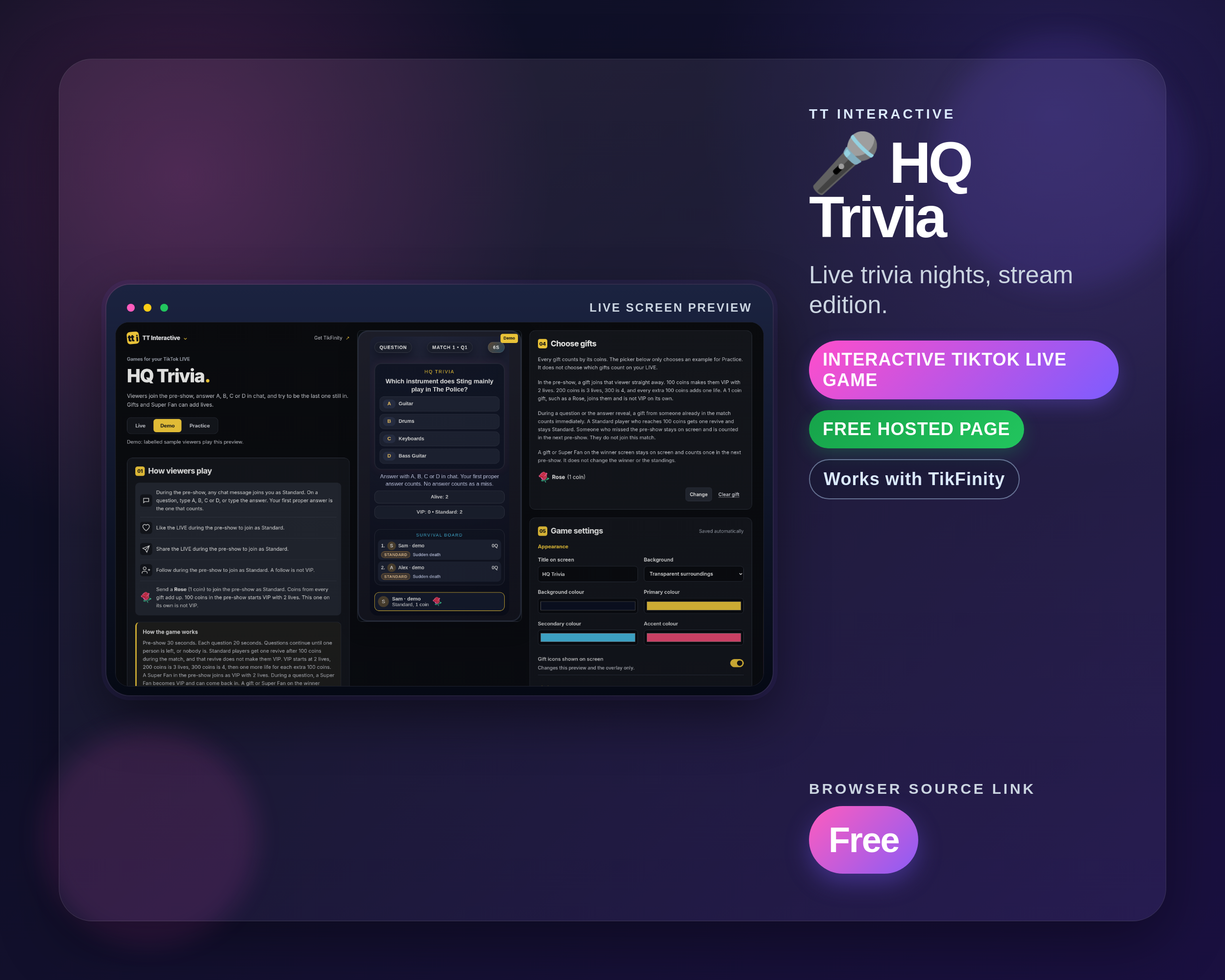
HQ Trivia
HQ-style trivia with VIP extra lives and sudden-death tension for everyone else. Build suspense, reward supporters, and crown a winner.
Best for: Quiz nights and survivor arcs
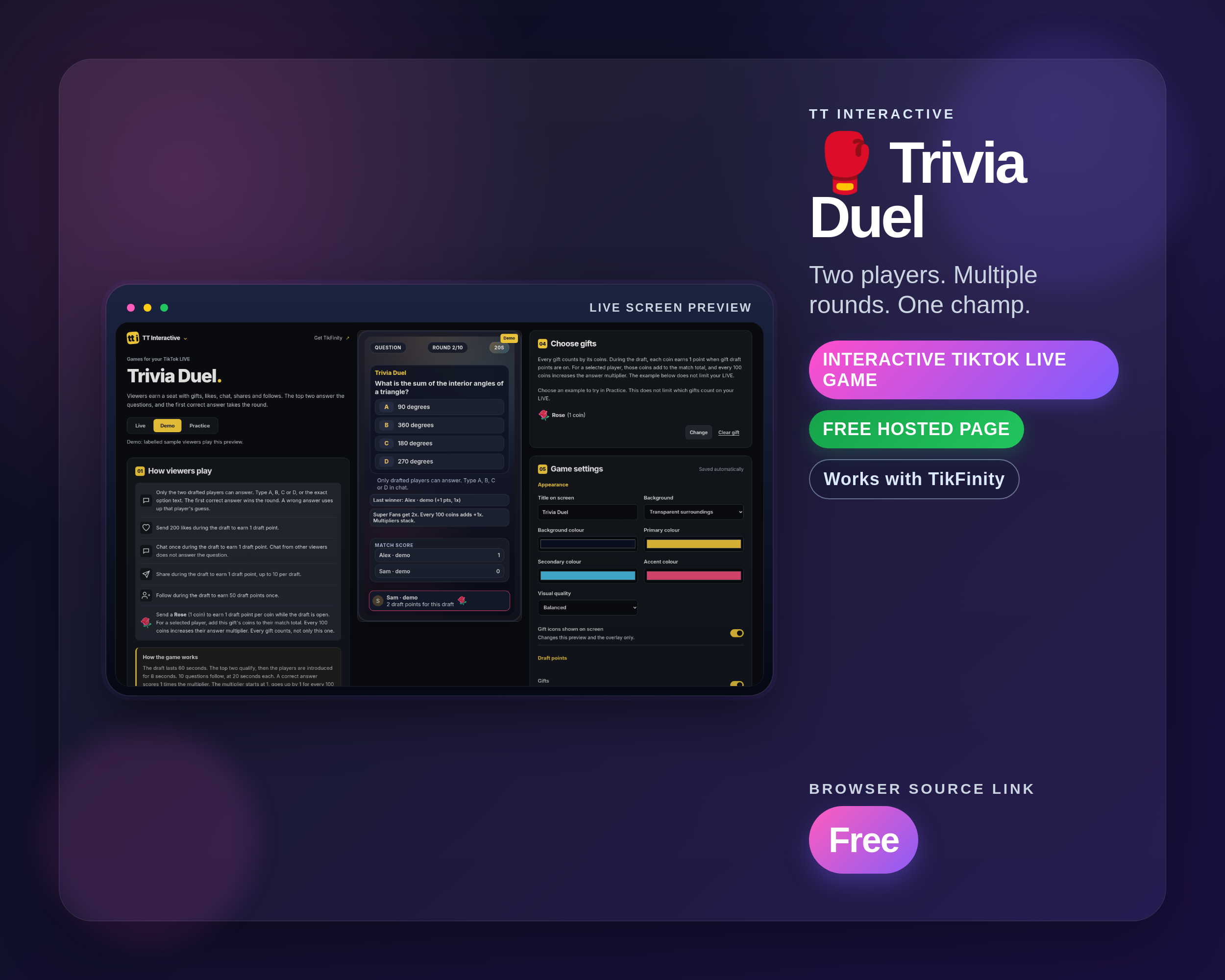
Trivia Duel
Draft two featured players and run a multi-round trivia match with tight turn control. The crowd fuels the draft and the stakes.
Best for: Head-to-head quiz showdowns

Trivia Sprint
Rapid-fire multiple-choice trivia where viewers answer A/B/C/D in chat and score with coin + Super Fan multipliers. Great for keeping the whole room playing.
Best for: Whole-room quiz bursts
Stream fit
For quiz streams with more than one pace
Trivia Kings gives you a fast warm-up format, a two-player duel format, and an elimination format, so you can build a full quiz segment instead of repeating the same round type.
Connects gifts, chat, likes, follows, shares, and Super Fan events.
Use with OBS, Streamlabs, Meld Studio or TikTok LIVE Studio.
Start in the free dashboard
Choose a widget from the free widget catalogue, customise it on its hosted page and copy its browser source link into your streaming app.
No email, account, access token or checkout is required.
Screenshots from included widgets
Real widget screenshots already used by the individual widget pages.


Setup and related pages
Use these pages to compare the catalogue, set up TikFinity, and plan how the pack fits your stream.
All widgets
Compare the full free widget catalogue, hosted pages and browser source links.
TikFinity setup
Connect TikFinity and prepare the overlay workflow before stream.
Widget comparison
See how TT Interactive widgets fit common TikFinity stream formats.
Interactive LIVE ideas
Use Trivia Kings Pack as part of a more interactive TikTok LIVE plan.
All Widgets Bundle
Find every current widget in the free widget catalogue.
Word Wizards Pack
4 word & puzzle widgets for brain-teaser streams, with free hosted pages and browser source links.
Trivia Kings Pack FAQ
Download, setup, and compatibility answers for TikTok LIVE creators.
What is included in the Trivia Kings Pack?
The Trivia Kings Pack includes HQ Trivia, Trivia Duel, and Trivia Sprint. Each included widget has its own page with screenshots, setup context, and stream tips.
Is the Trivia Kings Pack free?
Yes. Open the hosted pages for the Trivia Kings Pack without a checkout, email address or subscription.
Do I need TikFinity?
Which streaming apps can I use?
Copy the browser source link from the hosted page into OBS, Streamlabs, Meld Studio or TikTok LIVE Studio. Keep TikFinity Desktop App connected to your LIVE.
How do I set up a widget?
Browse the free widgets, choose a widget and set it up on its hosted page. Copy its browser source link into your streaming app.
Is the Trivia Kings Pack included in the All Widgets Bundle?
Yes. The free All Widgets Bundle includes the Trivia Kings Pack, the other themed packs, and the standalone widgets.